Purpose: Add Reporting Requirements to your PDs/SSFAs
Who: Partnership Manager User
When: Reporting requirements from the PD/SSFA can be added when uploading the PD/SSFA details in PMP.
The following types of reporting requirements can be added:
- Quarterly Progress Report: UNICEF requires partners to submit Quarterly Reports every three months from the start of the programme, in order to assess the progress towards planned results, and the adjustments required in programme implementation.
- Humanitarian Report: UNICEF may request partners to submit Humanitarian Reports on a monthly basis, or more frequently, to report on the status of high frequency humanitarian indicators. Humanitarian Reports are simplified and do not require narrative reporting.
- Special Report: In some circumstances, to meet specific reporting requirements, UNICEF may request partners to submit Special Reports. These reports may be requested for various reasons, including donor requirements, capturing specific human interest stories, submission of specific studies or research, or any other unique circumstances. For Special Reports, there is no reporting on the progress of indicators, only the submission of narrative reports and relevant attachments.
IMPORTANT: The Reporting Requirements must be uploaded for PDs/SSFAs that will be linked to the Partner Reporting Portal. Please note that once reporting requirements are entered in PMP and the PD/SSFA is activated these requirements cannot be amended at a later date.
1. Log into eTools using your UNICEF email and password
2. Click on the Menu icon in the top left corner of the screen to open menu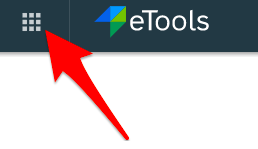
3. Click on Partnership Management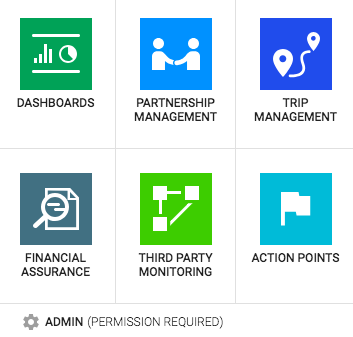
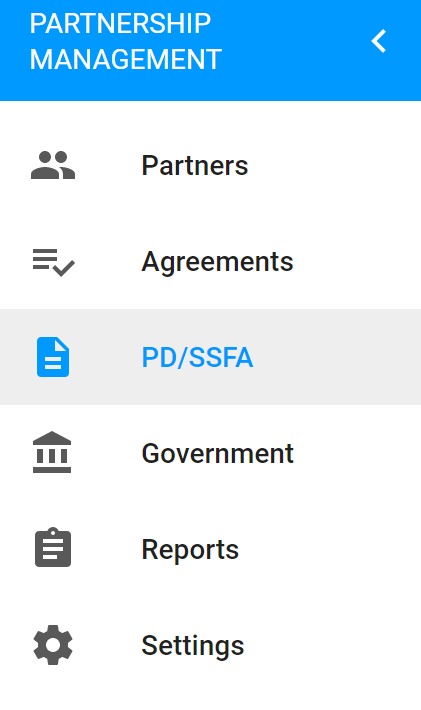
4. Click on PD/SSFA icon to open up the PD/SSFA page
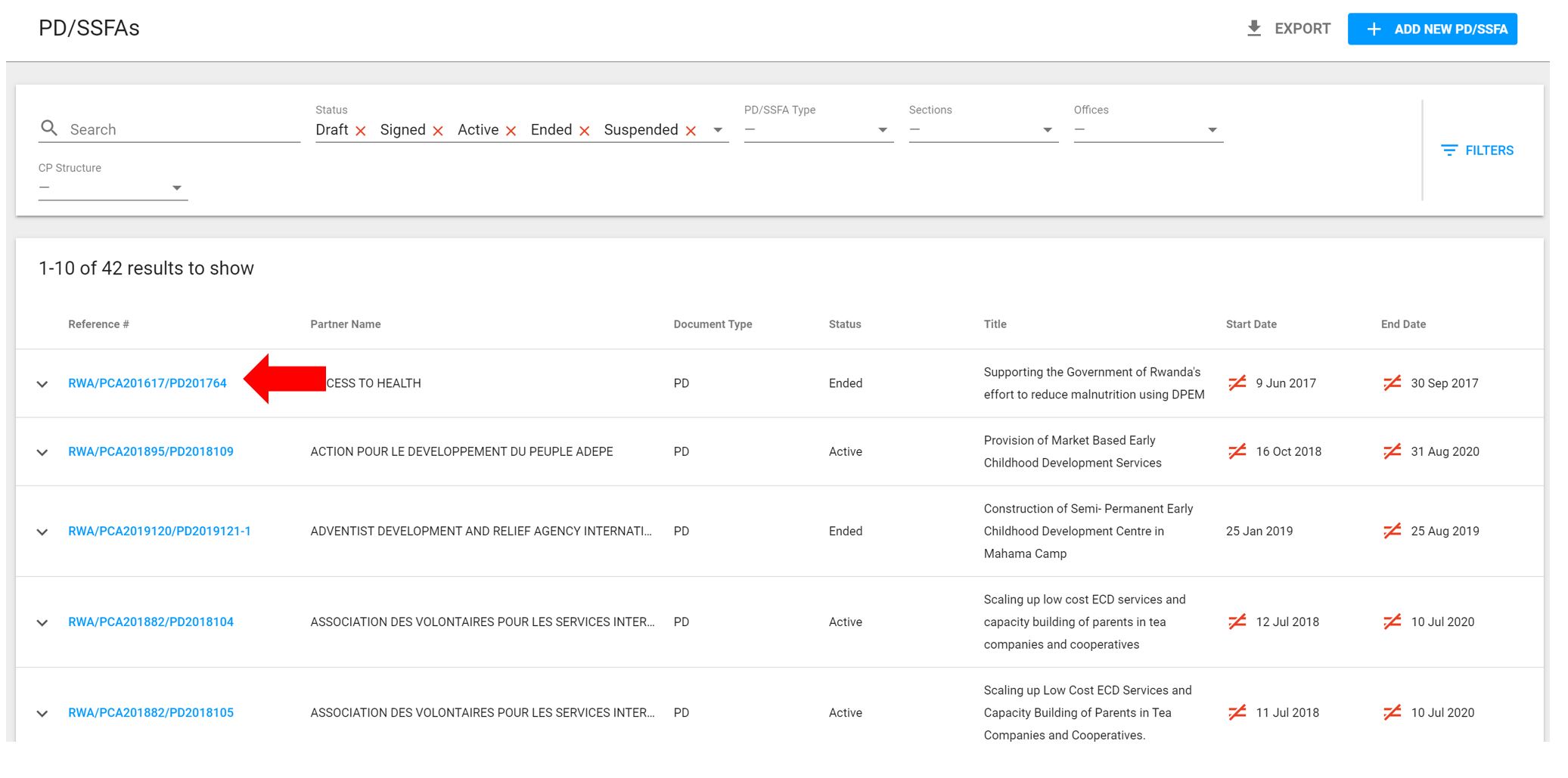
5. In the PD/SSFA page, you will see the list of PDs/SSFAs and their details. To access a specific PD/SSFA, click on the relevant reference number.
6. Scroll down to Partner Reporting Requirements and click on Add Requirements to in the Quarterly Progress Reports section to enter the reporting requirements

7. A dialogue box will open with pre-defined quarterly reporting periods based on the start and end date of the PD/SSFA. Based on the CSO procedure, quarterly reports are due 30 days from the end of the reporting period.
Click on Save to set the reporting requirements for Quarterly Reports.
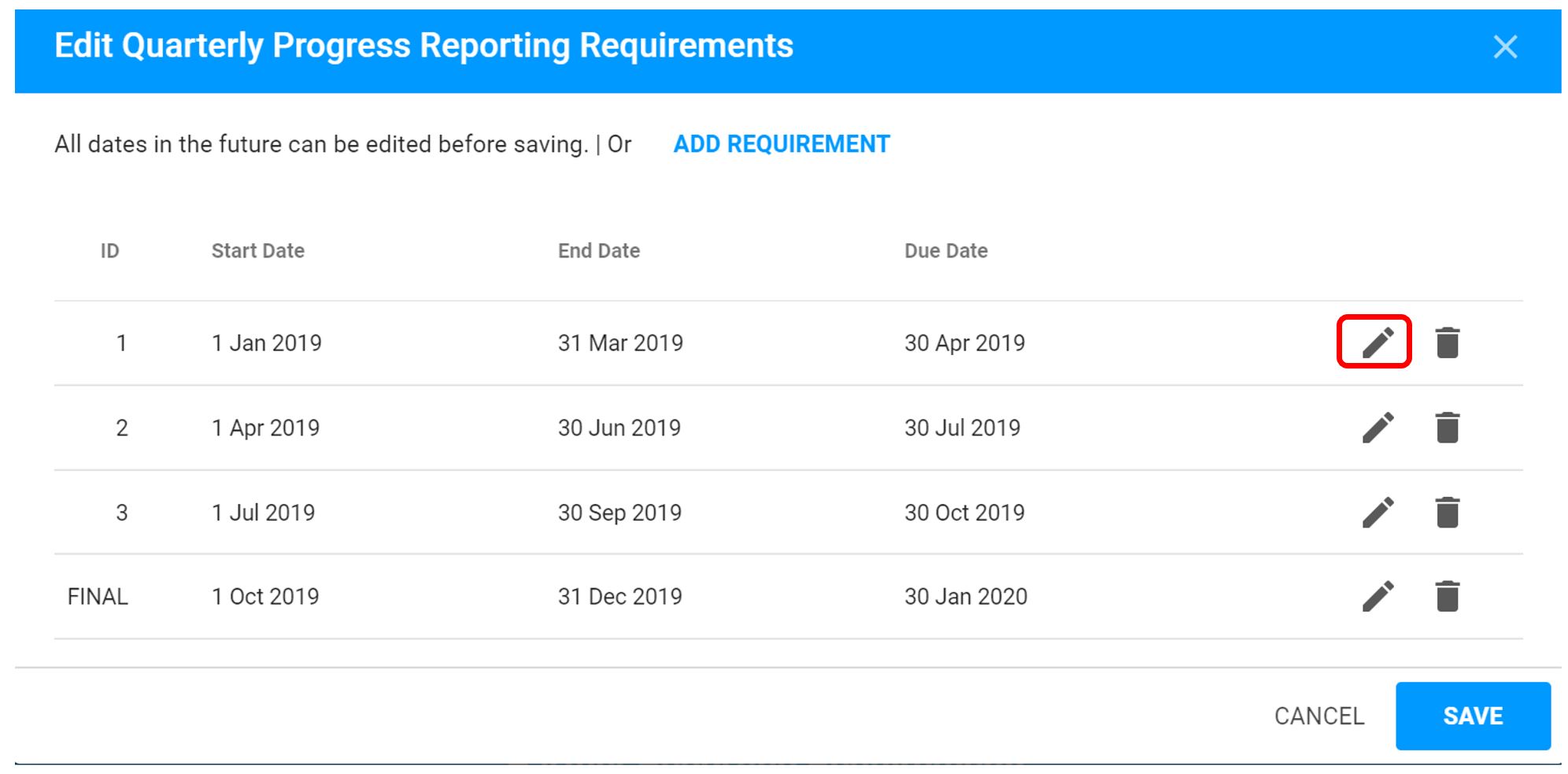
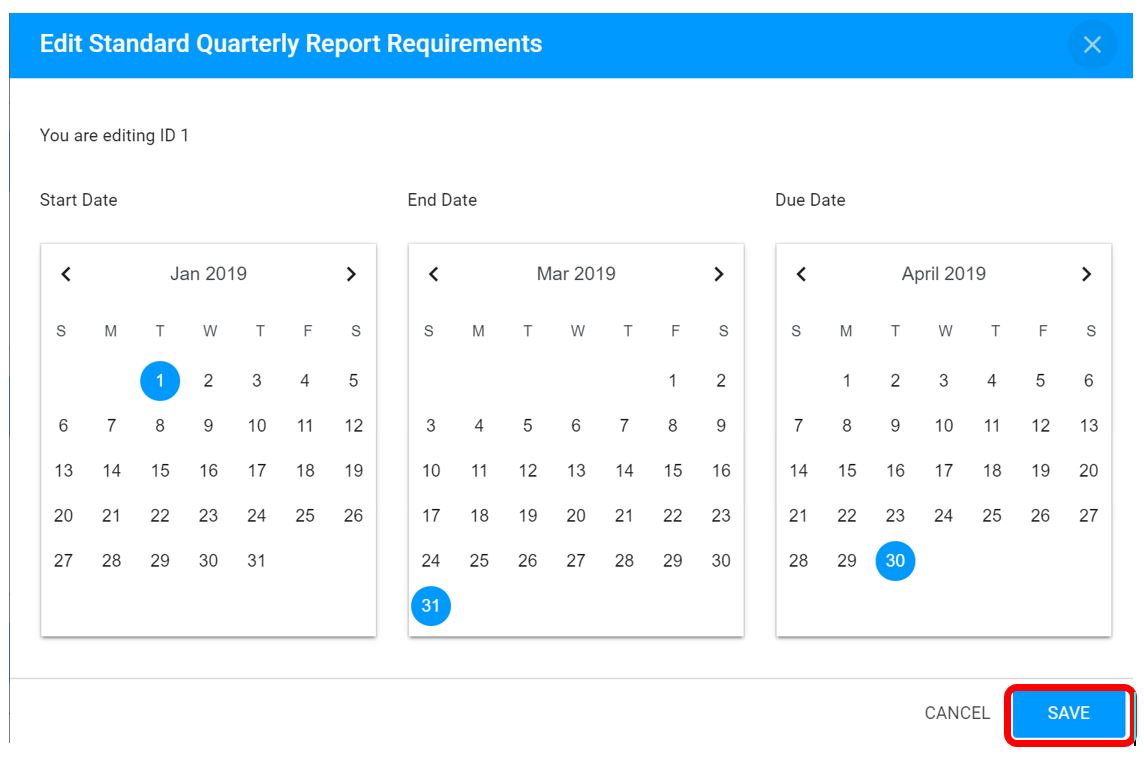
UNICEF staff can edit the quarterly reporting periods and due dates of the report by clicking on the  icon. Edit the dates and click on Save when complete.
8. Click on Add Requirements to in the Humanitarian Reports section to enter the reporting requirements for Humanitarian Indicators.
Important: If there are no high frequency humanitarian indicators set in the results framework, users will not have the ability to add requirements for Humanitarian Reports.

Note: For the time being, please ignore the Humanitarian Reports- Cluster section.
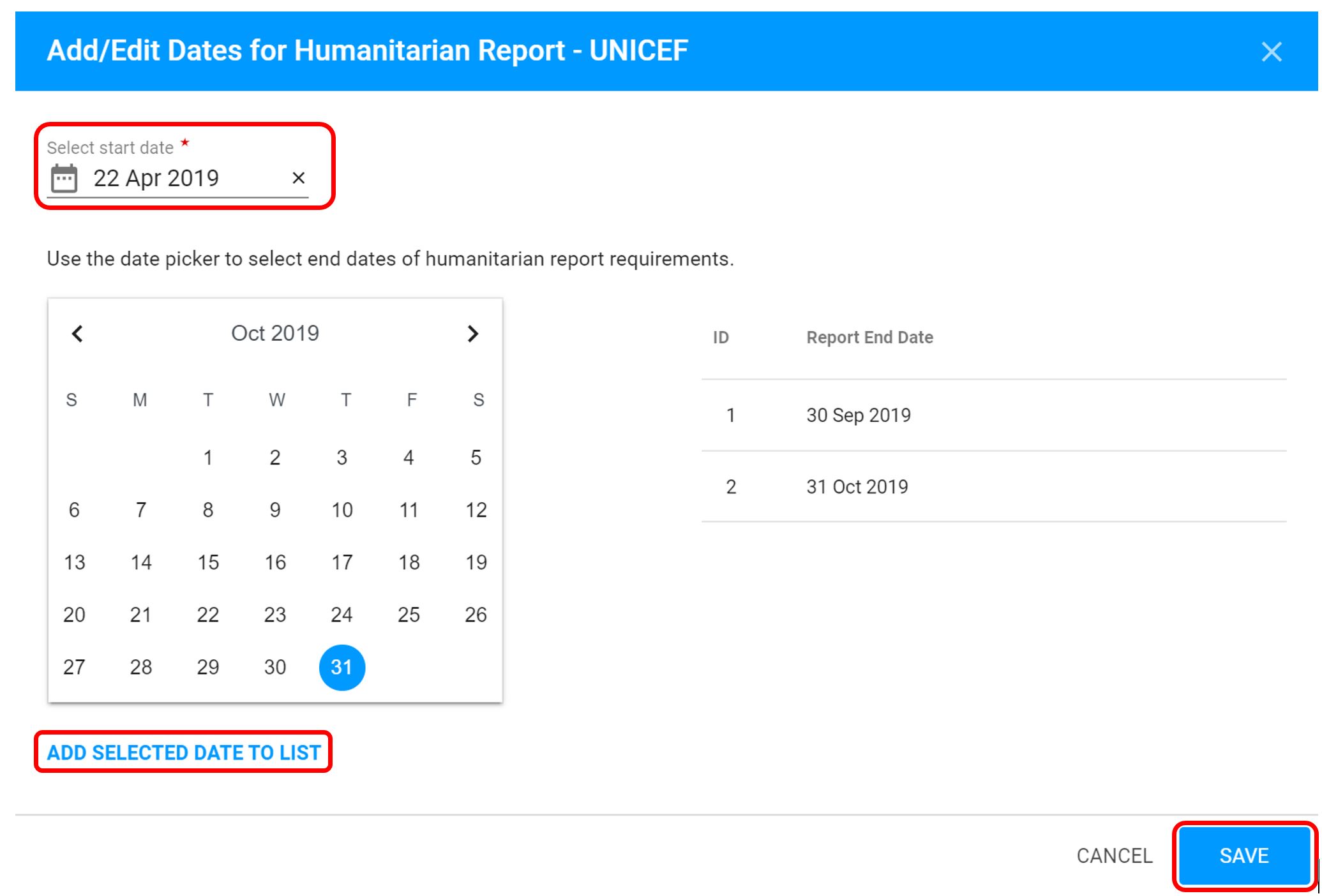
9. A dialogue box will open where you will select the start date of the reporting period and the end and due date that the partner will report on the high frequency humanitarian indicators. Click on Add Selected Date To List once the reporting period for each humanitarian report has been set.
Users will need to identify each date of the reporting period to the list humanitarian reports.
Click on Save to set the reporting requirements for Humanitarian Reports.
Note: Humanitarian Reports will only capture the progress for those indicators that have been identified as a “High Frequency Humanitarian Indicator” in the results framework.
10. Click on Add Requirements to in the Special Reports section to enter the reporting requirements for Special Reports (if needed).
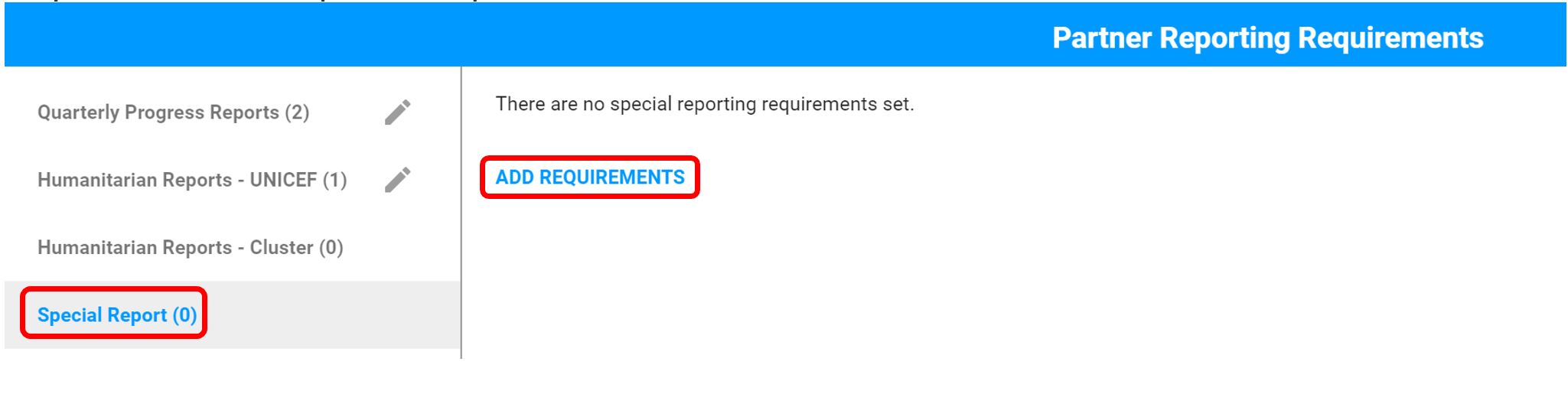
11. A dialogue box will open where you will select the due date that the partner will submit the special report. In the reporting requirement section, please enter the details of the special report. These requirements will be displayed to the partner on the Partner Reporting Portal to submit their Special Reports.
Click on Save to set the reporting requirements for Humanitarian Reports.
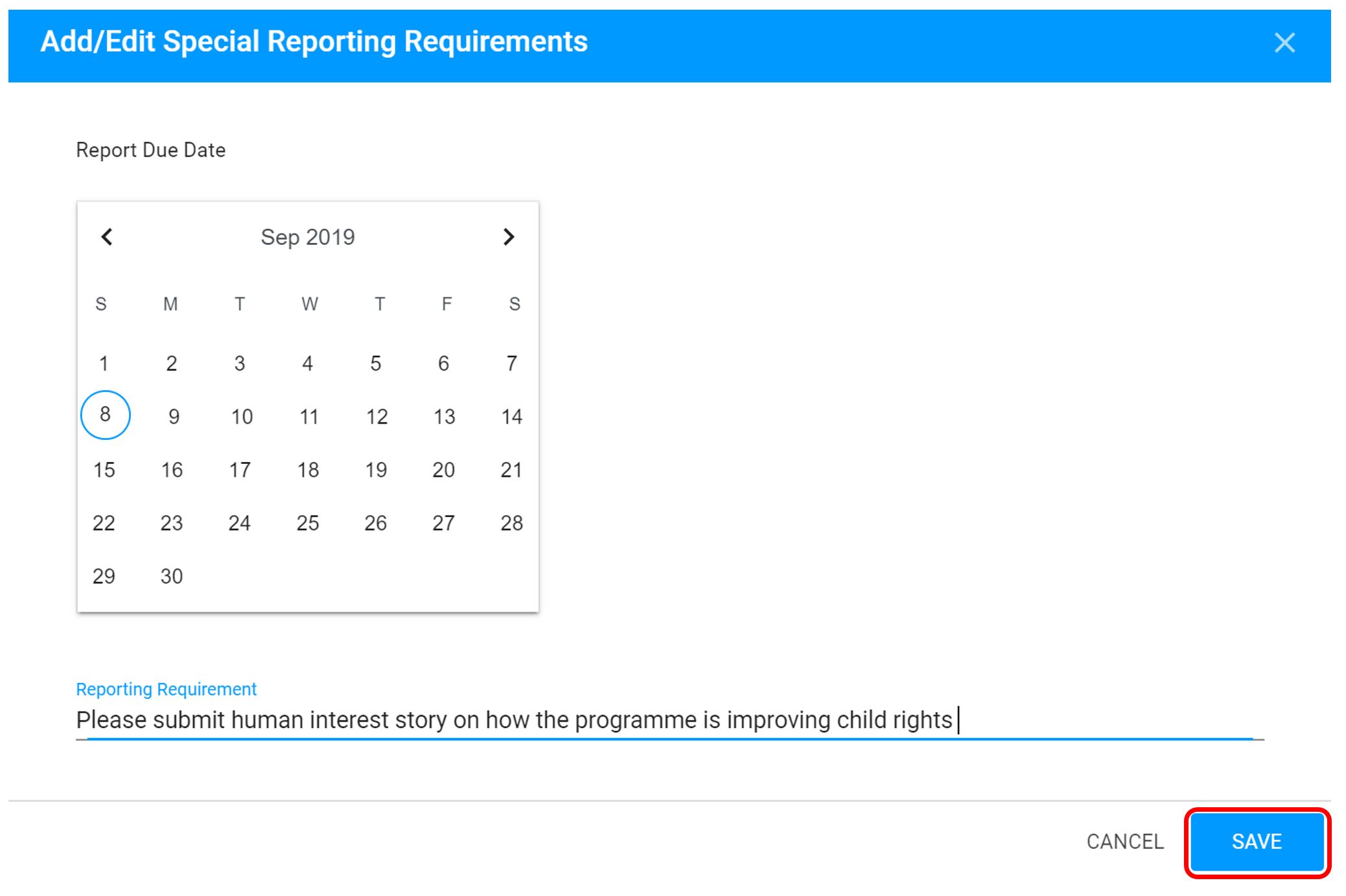
To enter additional requirements for Special Reports, click on the Add Requirements option.
UNICEF staff can edit the details of the report by hovering over the report clicking on the icon.
