Purpose: Your PD/SSFA has been temporarily put on hold (and can be reactivated at a later date)
When: Partnership Manager
Why: UNICEF Office decided to suspend the PD/SSFA
1. Log into eTools with your UNICEF email and password
2. Click on the Menu icon in the top left corner of the screen to open menu
3. Click on Partnership Management
4. Click on PD/SSFAs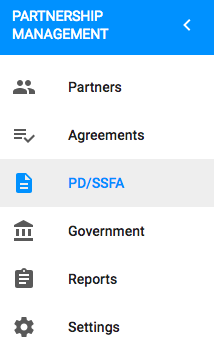
5. List of your PD/SSFAs will open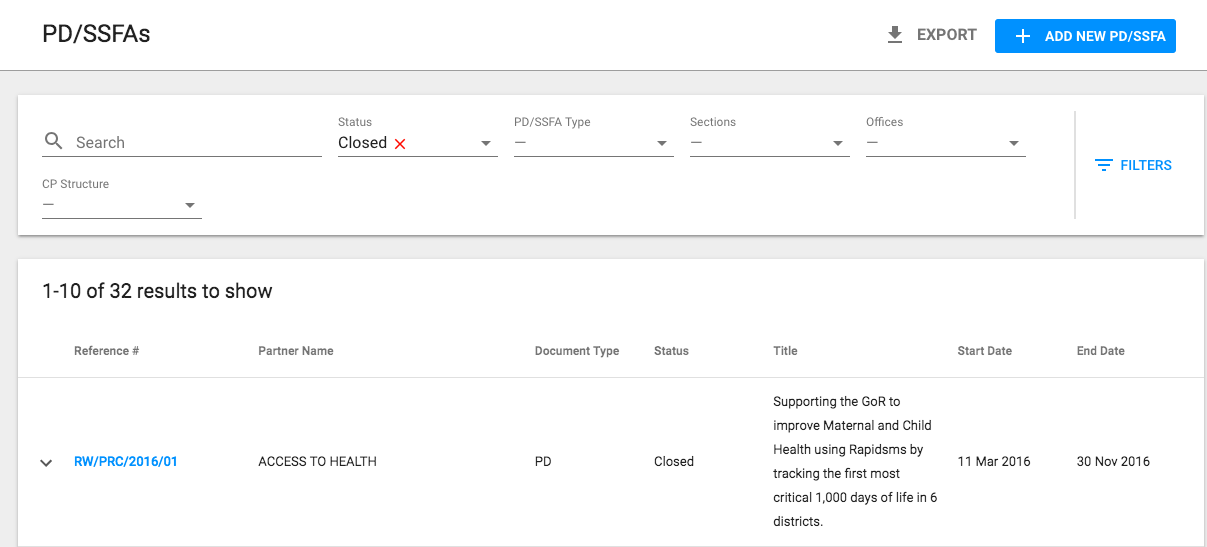
6. Click on the reference number of the PD/SSFA you want to suspend

7. Details page will open
8. Go to status bar on the right side of the page and click on the arrow next to Save button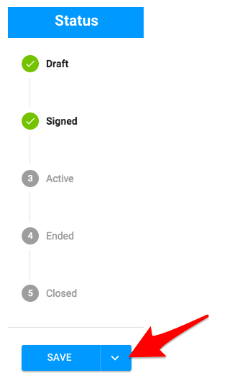
9. Select Suspend from the drop-down menu
10. A pop-up message will appear asking you to confirm whether you really wish to suspend your PD/SSFA
11. Click Yes
12. The status of your PD/SSFA will change
NOTE: Please go to CSO Procedure to learn more about when to suspend your PD/SSFA