Purpose: Upload any and all documents relevant to the partnership
Who: Partnership Manager
When: You want to store attachments linked to your PD/SSFA in eTools
1. Log into eTools with your UNICEF email and password
2. Click on the Menu icon in the top left corner of the screen to open menu
3. Click on Partnership Management
4. Click on PD/SSFA

5. List of your PD/SSFAs will open
6. Click on the Reference Number to open PD/SSFA that you want to add an attachment to

7. Once the Details page opens, click on the Attachments tab
8. Click on the plus (+) sign

9. Select Document Type you want to upload and then upload the file
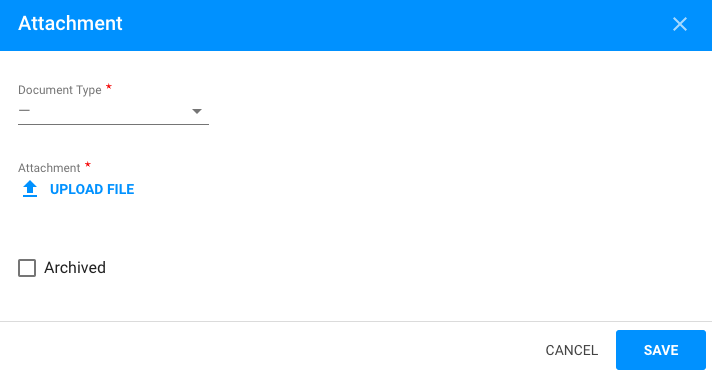 NOTE: You can choose to attach the following file types: FACE form, progress report, partnership review, final partnership review, correspondence, supply/distribution plan, other