Purpose: Delete your PD/SSFA
Who: Partnership Manager
When: You can delete your PD/SSFA only when it is in draft status
1. Log into eTools with your UNICEF email and password
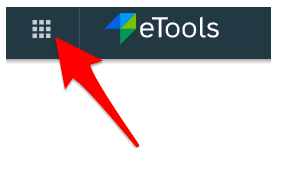
2. Click on the Menu icon in the top left corner of the screen to open menu
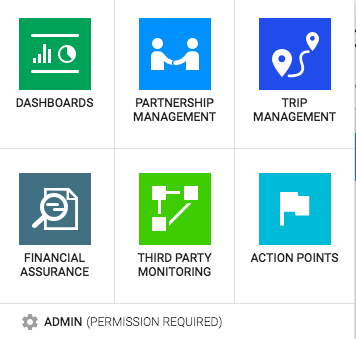
3. Click on Partnership Management
4. Click on PD/SSFA
2. Click on the Menu icon in the top left corner of the screen to open menu
3. Click on Partnership Management
4. Click on PD/SSFA
5. List of your PD/SSFAs will appear
6. Click on the Reference Number of the PD/SSFA you want to delete
7. Once the details plage opens, go to Status bar and click on the arrow next to Save button
8. Click on Delete button
9. A pop-up message will appear asking you to confirm your selection; click Yes