Purpose: Send back the report to TPM for further details
Who: PME
When: UNICEF PME reviewed the report and sent it back to TPM for more details
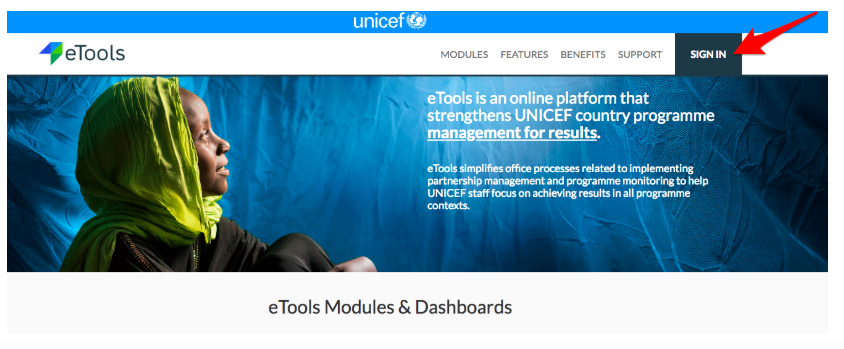
1. Go to etools.unicef.org and log into eTools using your UNICEF email and password
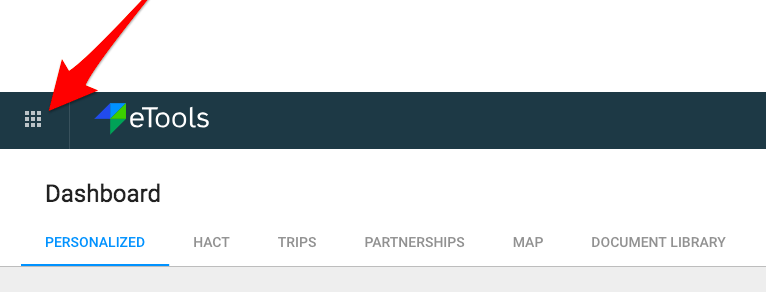
2. Click on the Menu icon in the top left corner of the screen to open menu

3. Select Third Party Monitoring

4. Third Party Monitoring Module page opens


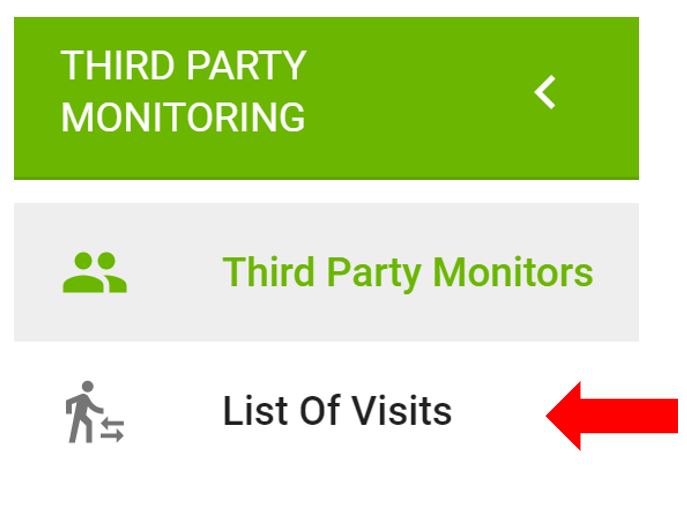
5. Click on List of Visits on the left navigation bar
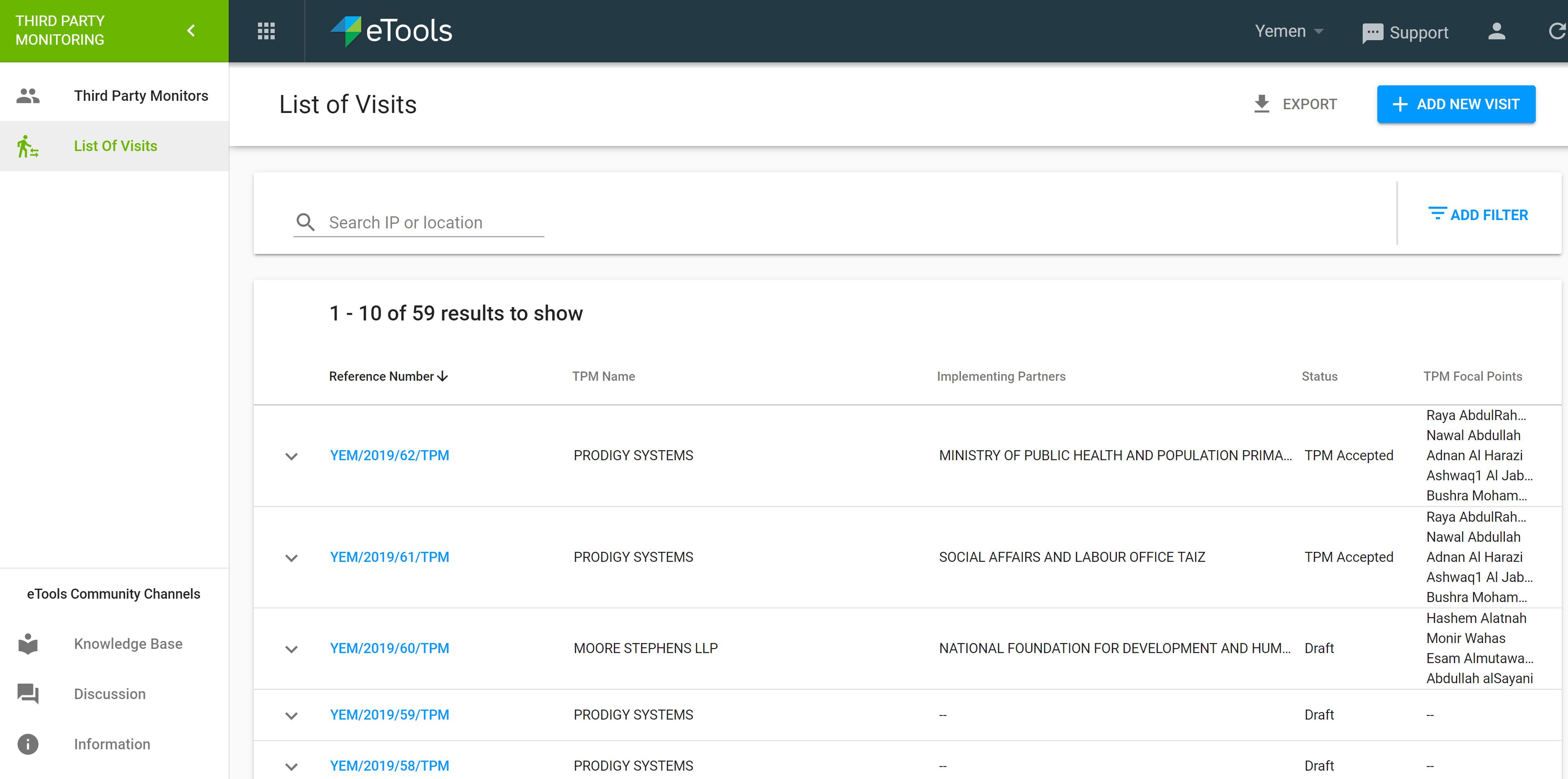
6. A list of visits will open. Click on the reference number you would like to open.
5. Your Details page will open. Go to Report tab to review the overall report or click on the task to review reports by task
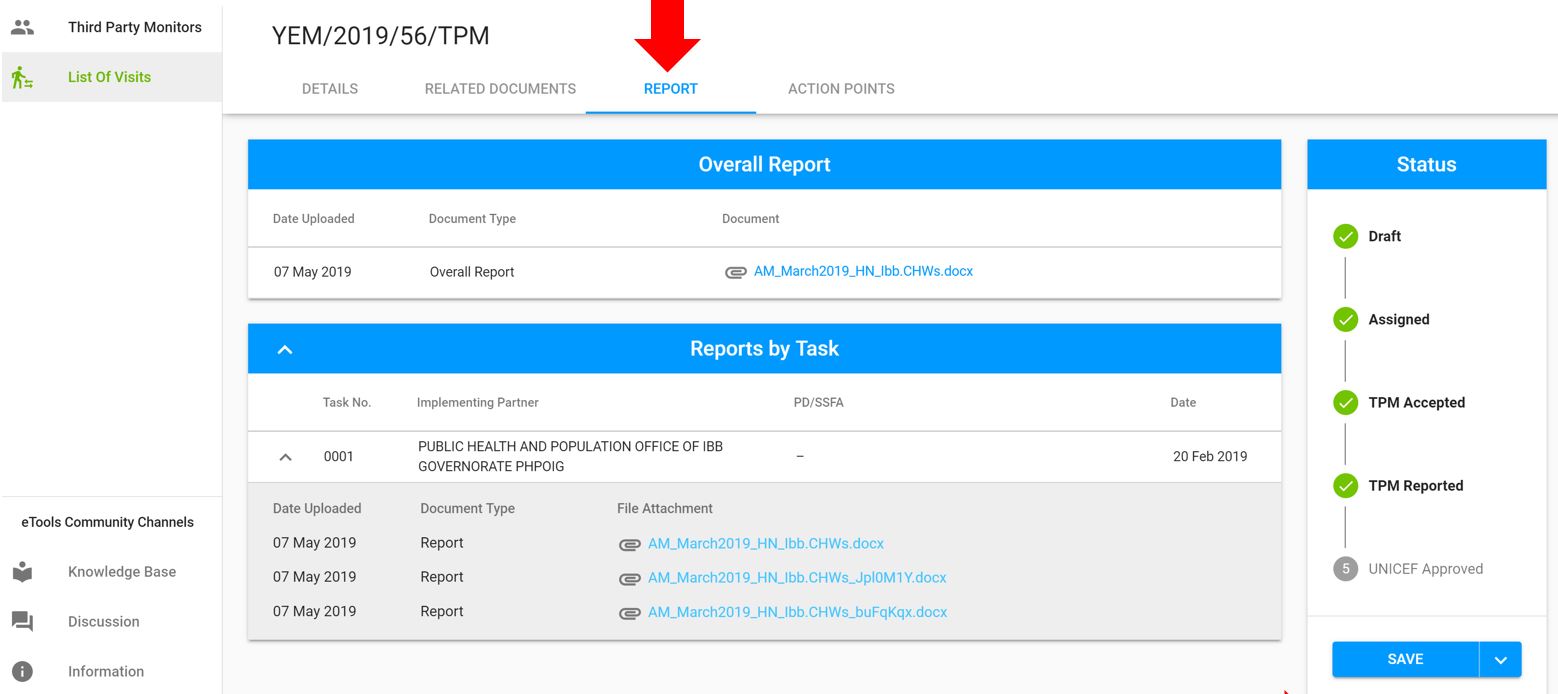

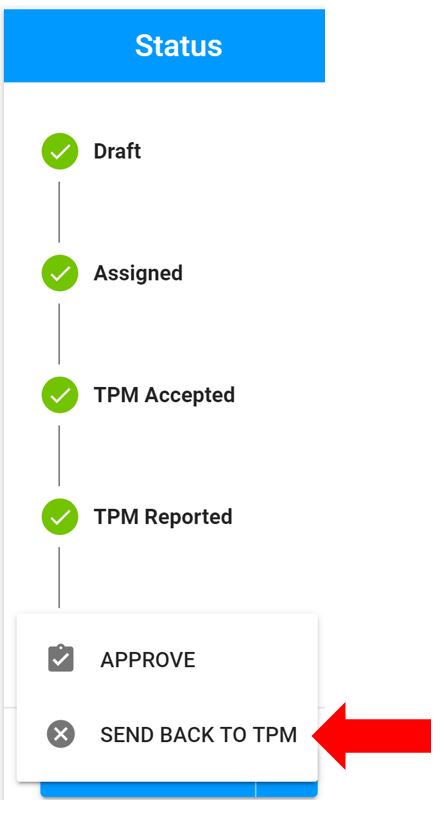
6. If you wish to reject the report, go to Status bar and click on the arrow next to Save button. Click on Send Back to TPM

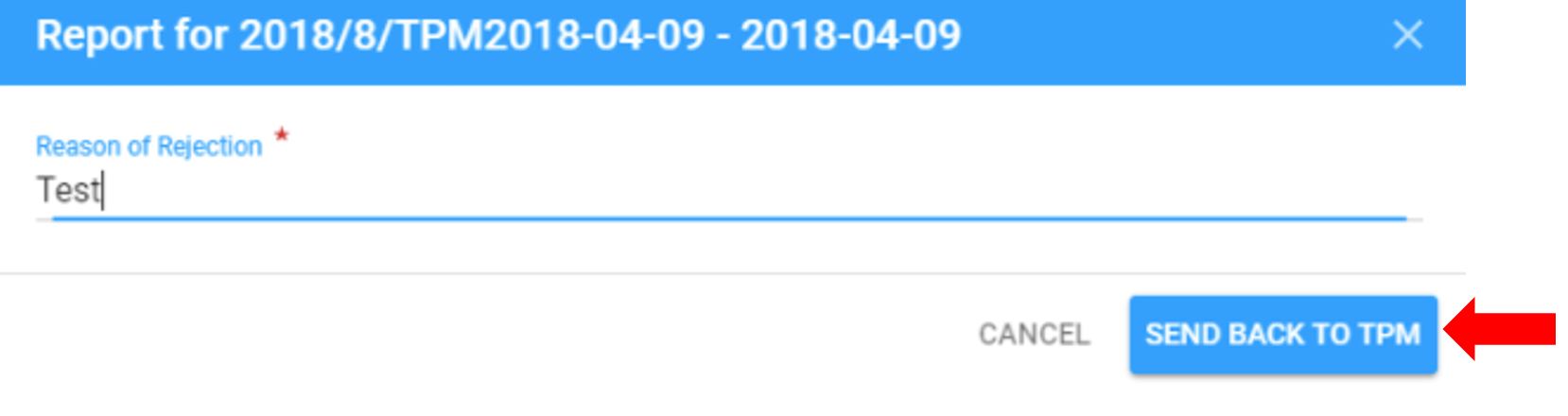
7. Explain why you are sending back the report. Click on Send back to TPM
The TPM will receive email notification informing them that UNICEF had requested additional information on the final report
8. A rejection note will appear at the top of your page
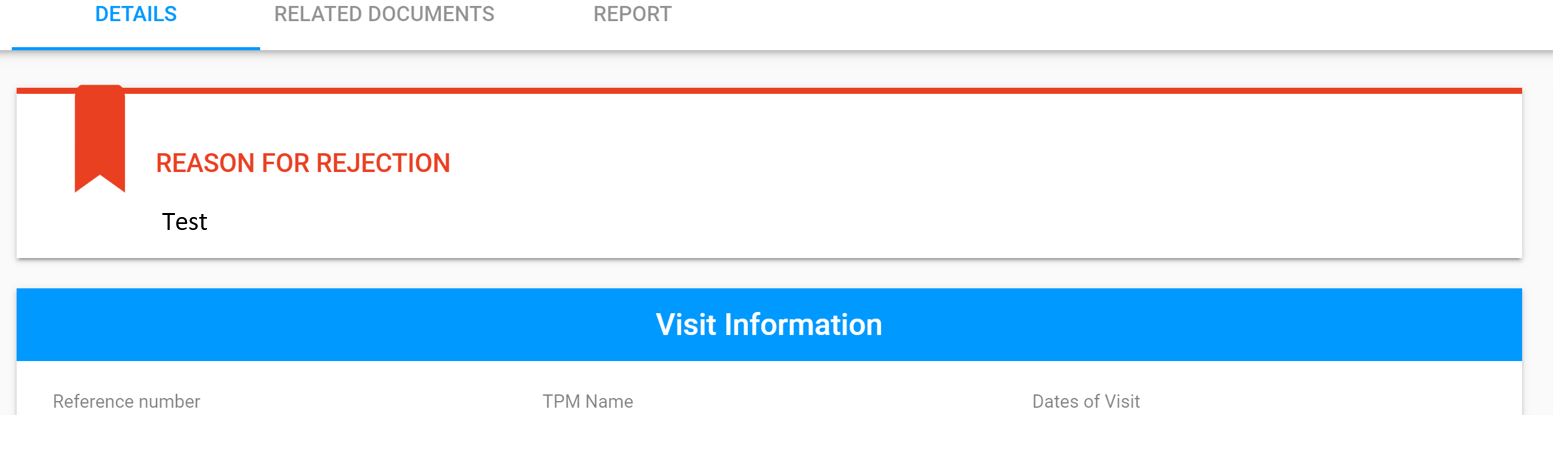
9. Status bar of your TPM visit will also say Sent Back to TPM