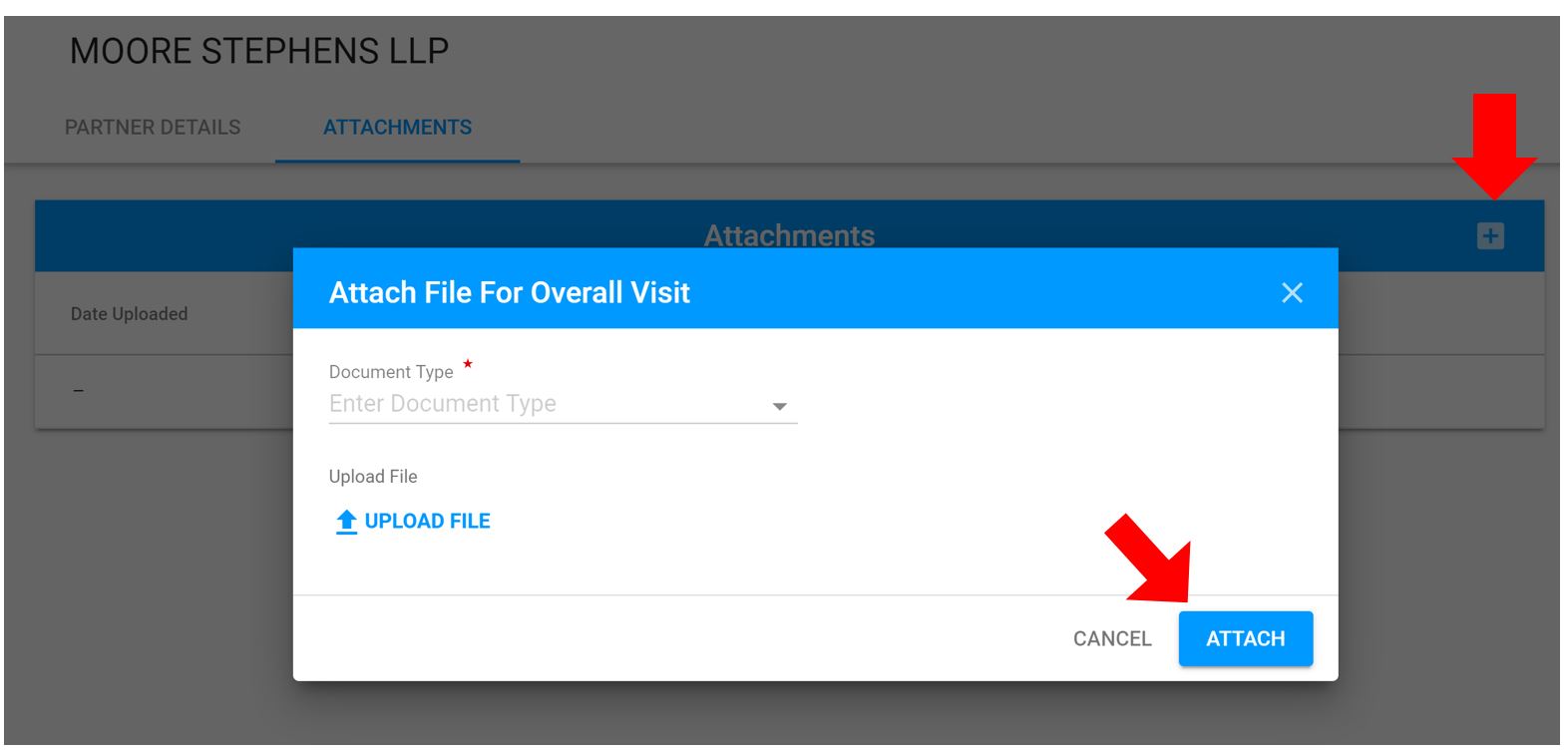
Purpose: To display information on the TPM Vendor
Who: PME
When: TPM needs more information
IMPORTANT: All attachments are related to the TPM
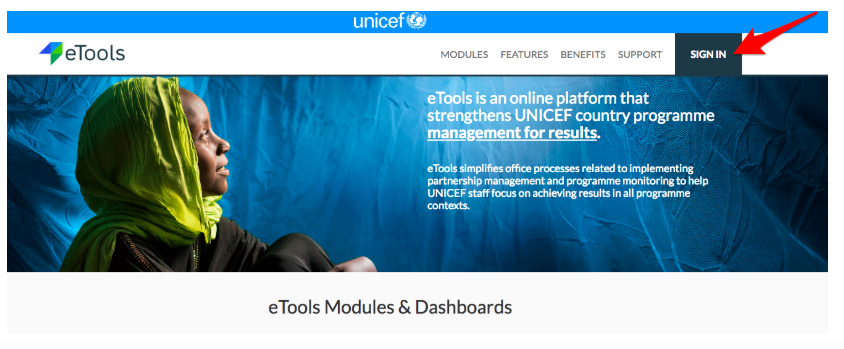
1. Go to etools.unicef.org and log into eTools using your UNICEF email and password
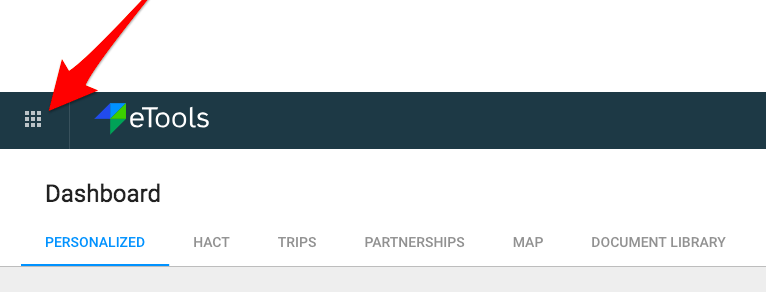
2. Click on the Menu icon in the top left corner of the screen to open menu

3. Select Third Party Monitoring

4. Third Party Monitoring Module page opens. Click on the Vendor Number of the TPM Profile you want to add attachments to


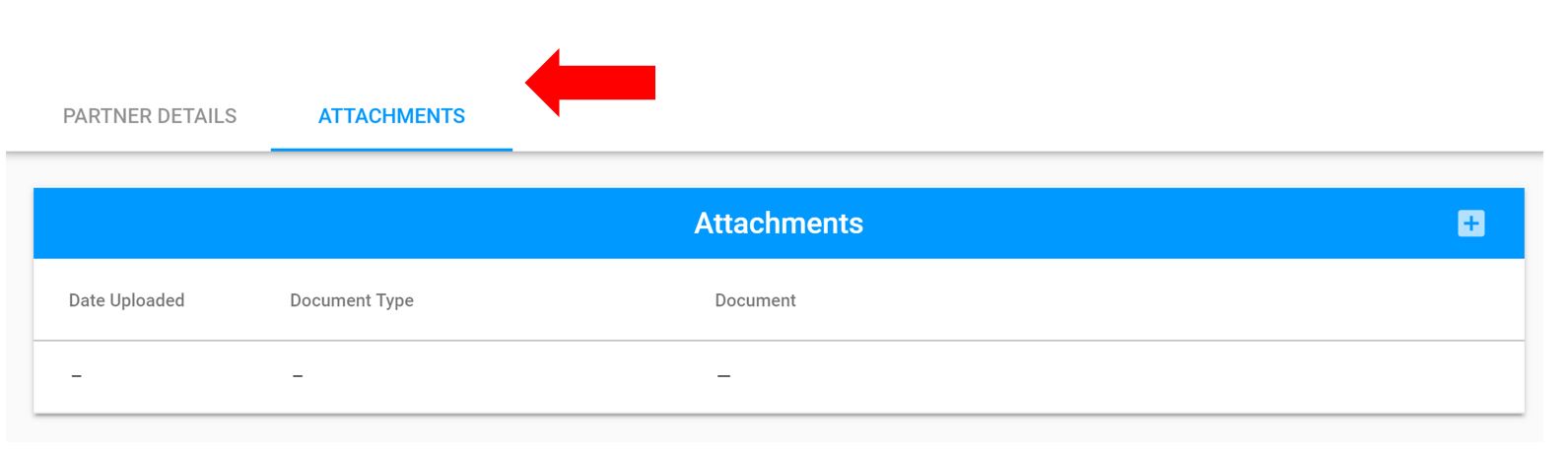
5. Go to Attachments tab to upload any necessary documentation to the TPM profile, e.g. Terms of Reference; Training Material, Contract, Questionnaire and etc.
6. Click on + sign to add attachments- a pop-up will open will open to add the attachments. Select Document Type from drop-down menu. Upload the file and click Attach. Click Save to ensure all information is save to the profile