Purpose: Open Third Party Monitoring Module
Who: UNICEF Users to view Third Party Monitoring Module
UNICEF PME who can view, add Third Party Monitors, edit information and assign a visit
UNICEF Focal Point view, assign action points
When: For viewing, planning and reporting
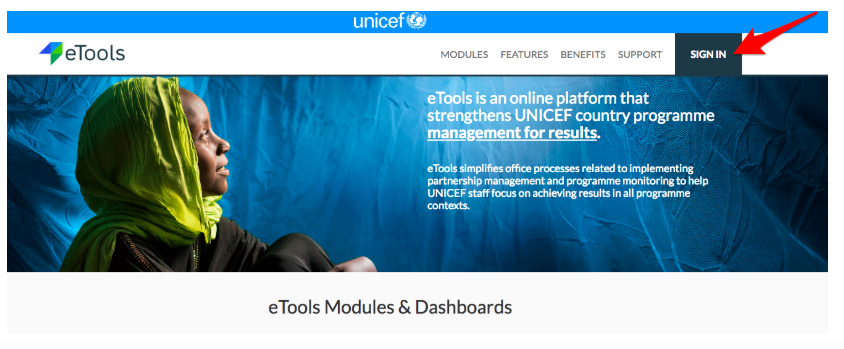
1. Go to etools.unicef.org and log into eTools using your UNICEF email and password
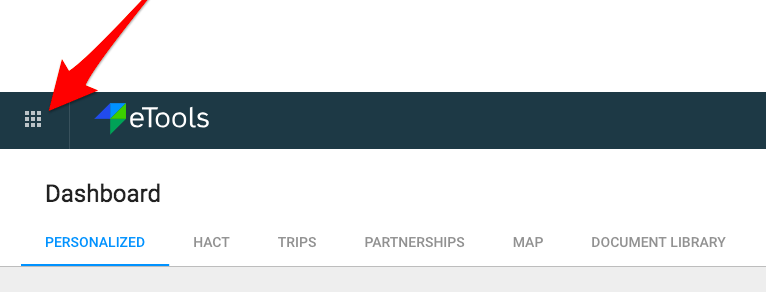
2. Click on the Menu icon in the top left corner of the screen to open menu

3. Select Third Party Monitoring

4. Third Party Monitoring Module page opens
