Purpose: After a procurement has been initiated to issue a purchase order for a third party monitor vendor to conduct a visit, PME Staff are able to create a TPM profile. A TPM profile is required to create a visit for a TPM.
Who: PME
When: Assign a visit to TPM
IMPORTANT: The procurement of a third party monitor is initiated outside of eTools to conduct a monitoring visit
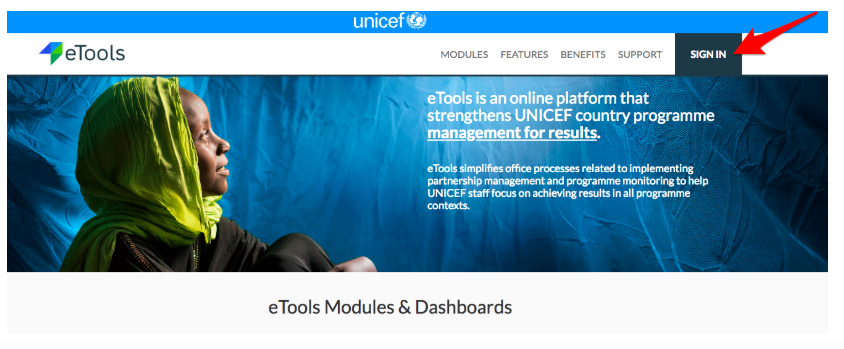
1. Go to etools.unicef.org and log into eTools using your UNICEF email and password
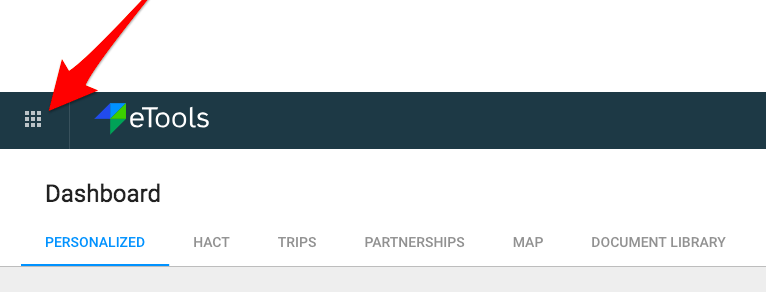
2. Click on the Menu icon in the top left corner of the screen to open menu

3. Select Third Party Monitoring

4. Third Party Monitoring Module page opens


5. Click on Add New Vendor

6. Add TPM Vendor Number and Click Add
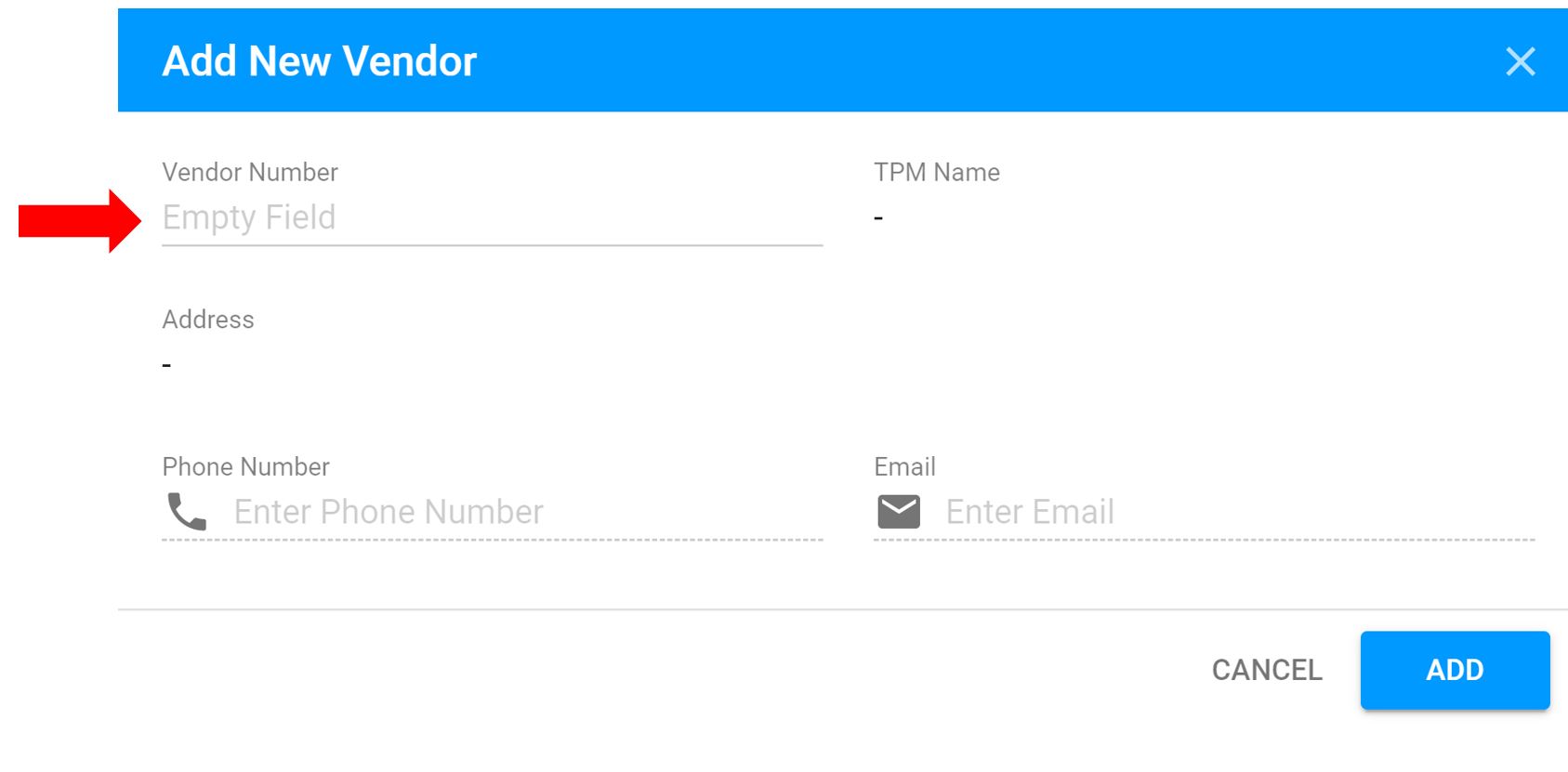
7. Once Vendor Number is entered, the TPM details (Name and Address) from VISION will be synced
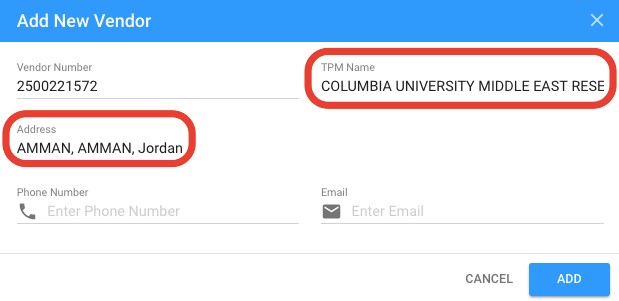
NOTE: You can also add (manually) Vendor's Phone Number and Email
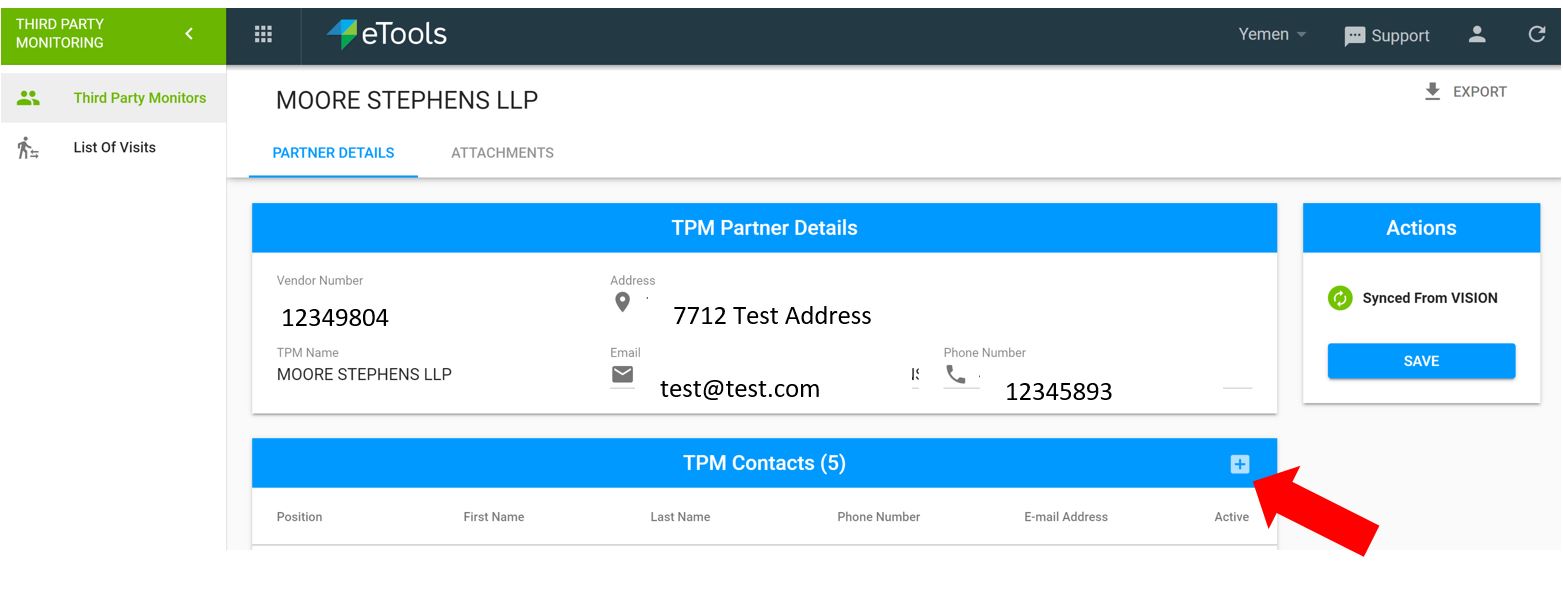
8. After you created a TPM profile, you need to enter relevant TPM Staff Members to the TPM profile in order to ensure the correct TPM staff member can be selected as a focal point for the visit and would receive notifications during assignment and review of the report.
9. Go back to the list of your Third Party Monitors and click on the Vendor Number of the TPM Profile you want to add/modify TPM Staff members
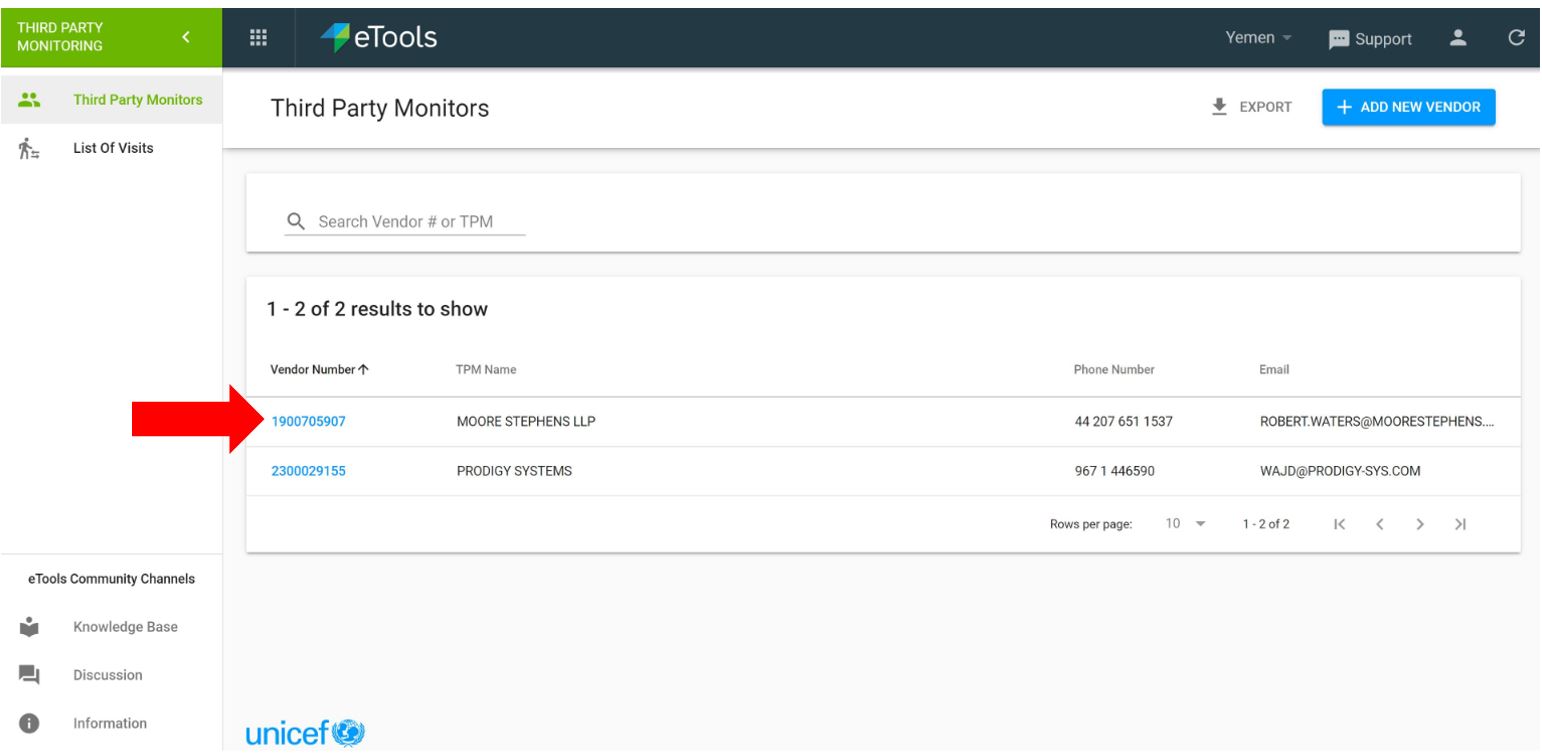
10. TPM Partner Details page will open. Scroll down to TPM Contacts and click on + sign
11. Enter email address, first and last name (mandatory fields), position and phone number (optional) and check mark Active box
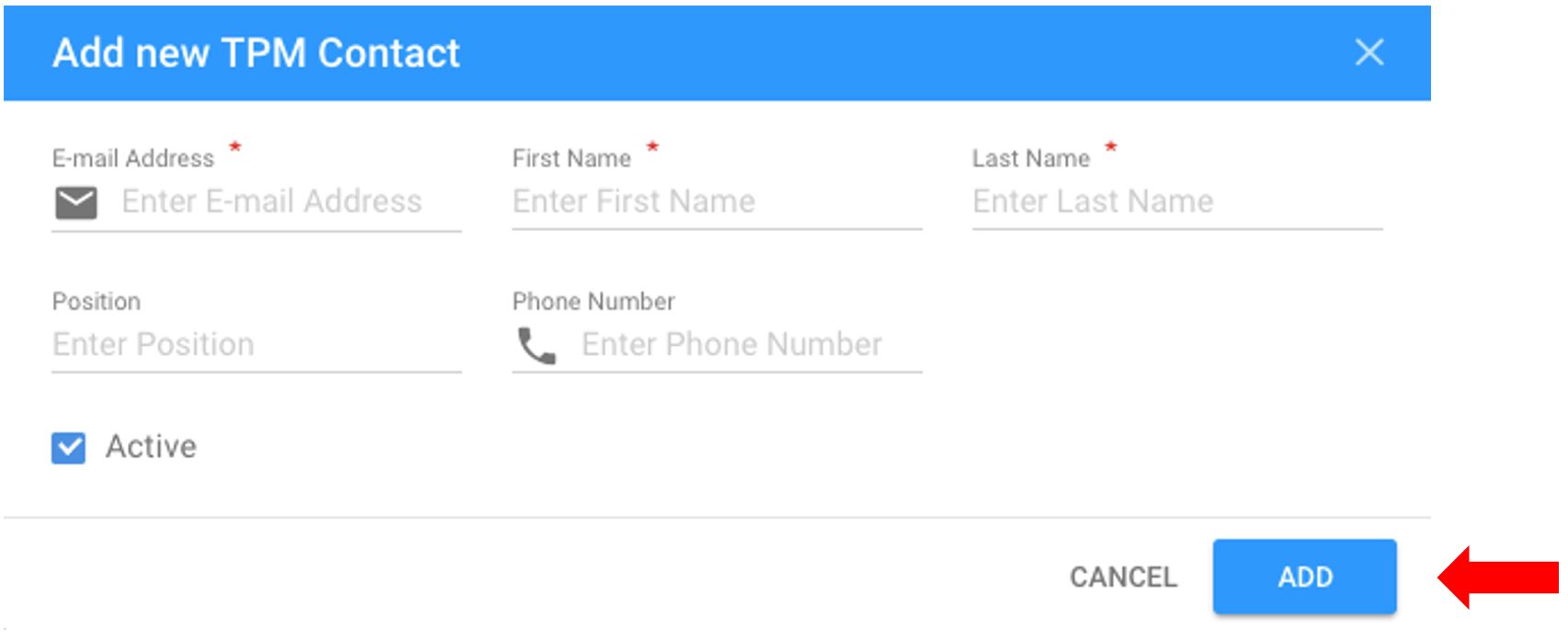
IMPORTANT: email addresses must be unique, and cannot be entered into eTools more than once.
NOTE: Those marked as "Active" will be the TPMs who can be assigned to a visit and will receive notification of assignment.
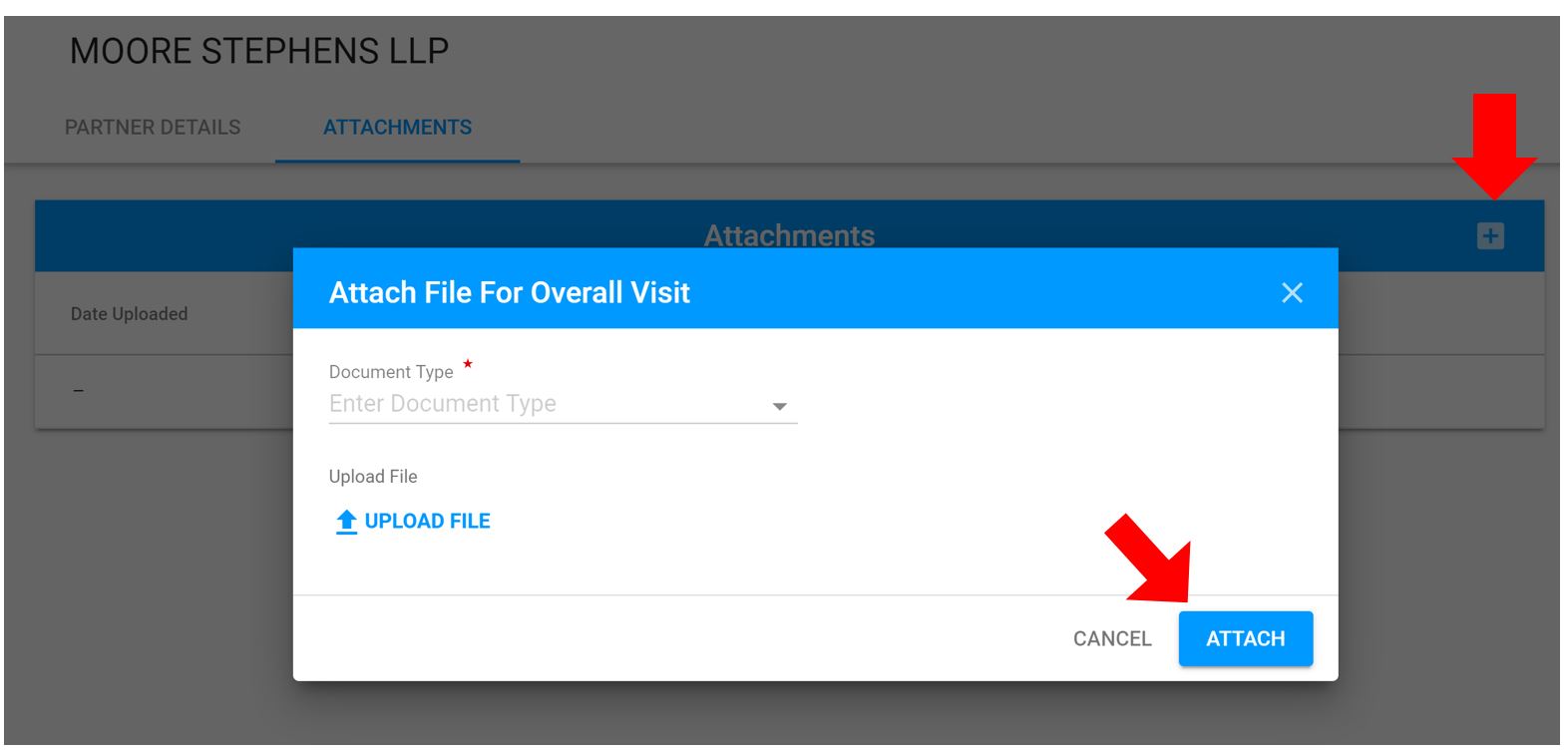
12. Go to Attachments tab to upload any necessary documentation to the TPM profile, e.g. Terms of Reference; Training Material, Contract, Questionnaire and etc.
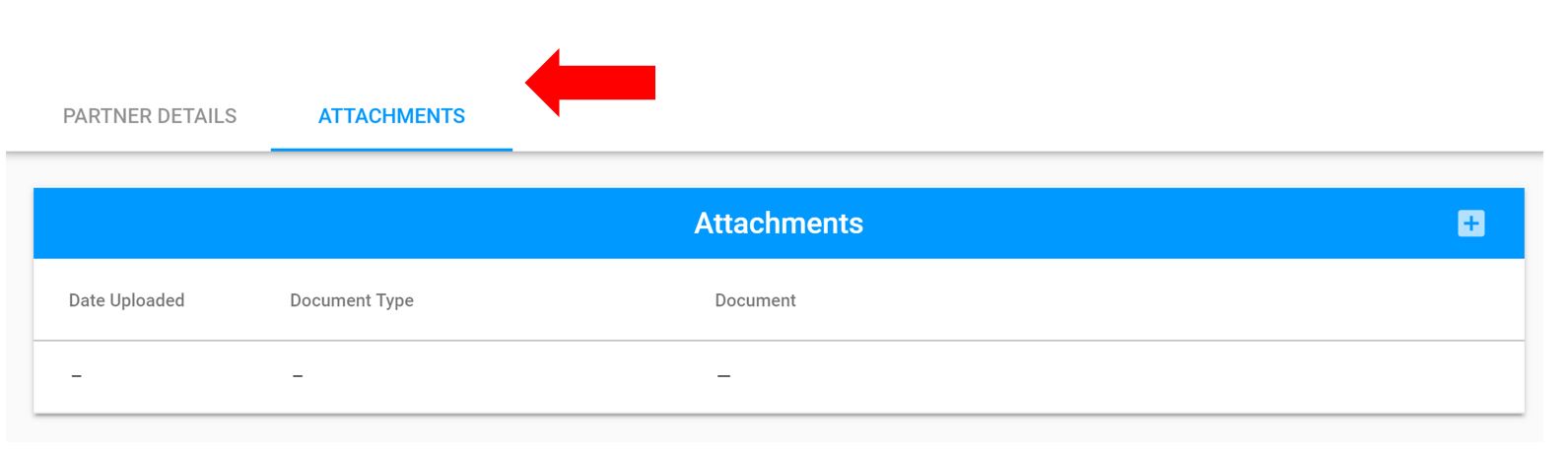
13. Click on + sign to add attachments- a pop-up will open will open to add the attachments. Select Document Type from drop-down menu. Upload the file and click Attach. Click Save to ensure all information is save to the profile