Purpose: Cancel the TPM visit
Who: PME
When: The TPM cannot go because of security issues or it needs to be re-assigned to a different TPM vendor
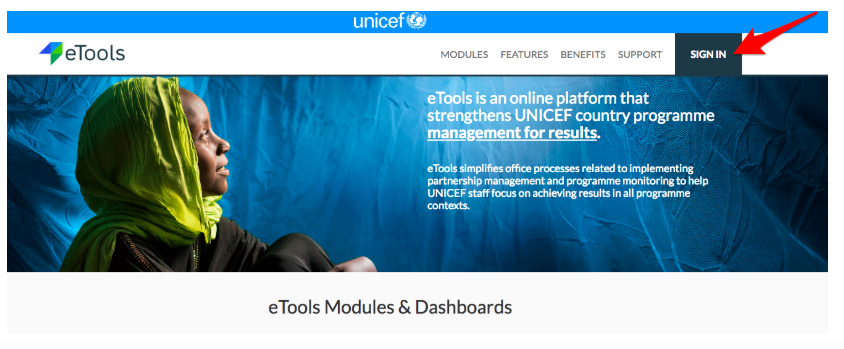
1. Go to etools.unicef.org and log into eTools using your UNICEF email and password
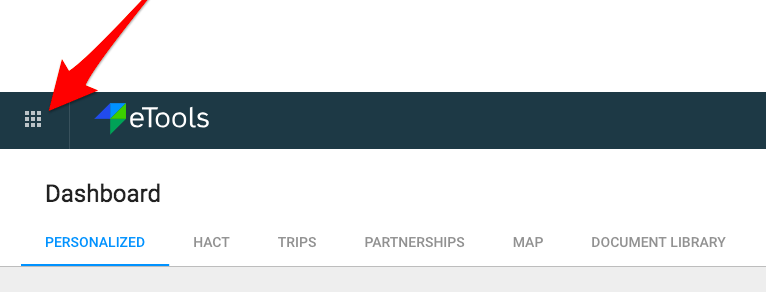
2. Click on the Menu icon in the top left corner of the screen to open menu

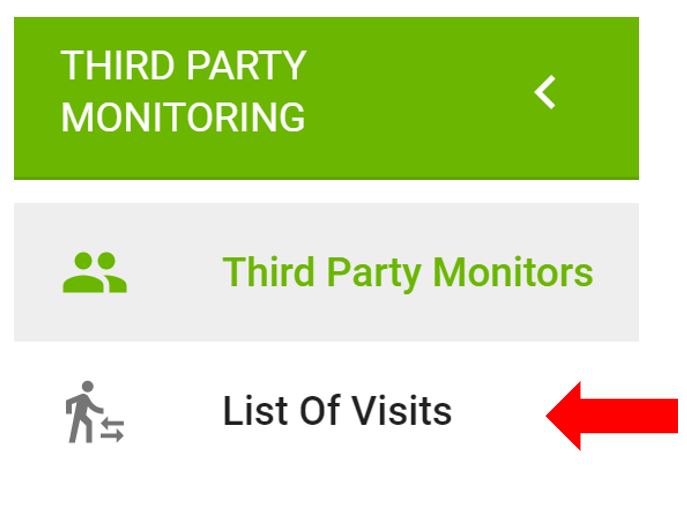
3. Select Third Party Monitoring

4. Third Party Monitoring Module page opens


5. Click on List of Visits on the left navigation bar
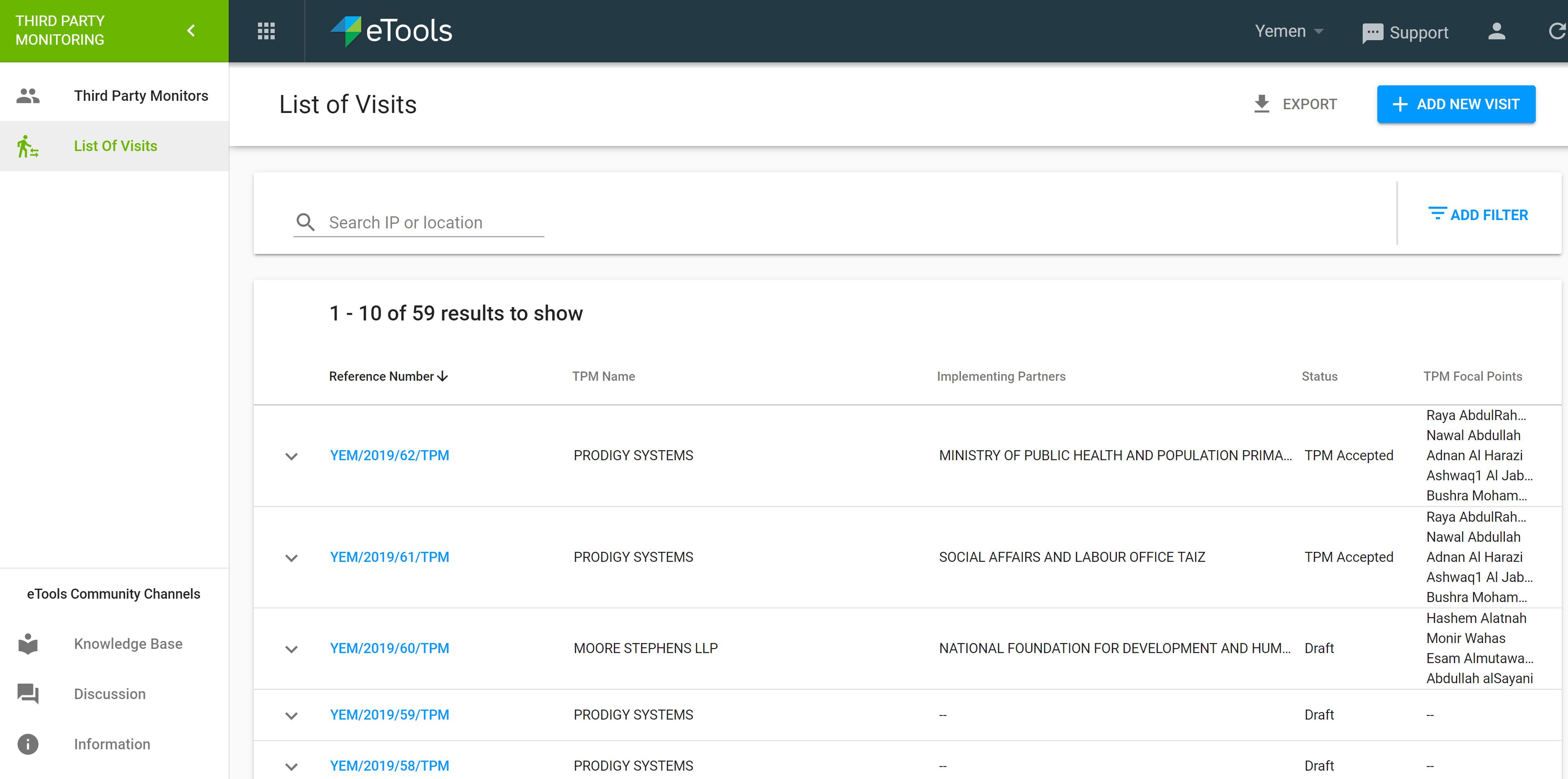
6. A list of visits will open. Click on Reference number of the TPM visit you want to cancel
7. Once the Details page open, go to Status bar and click on the arrown next to Save button to open drop-down list. Select Cancel visit
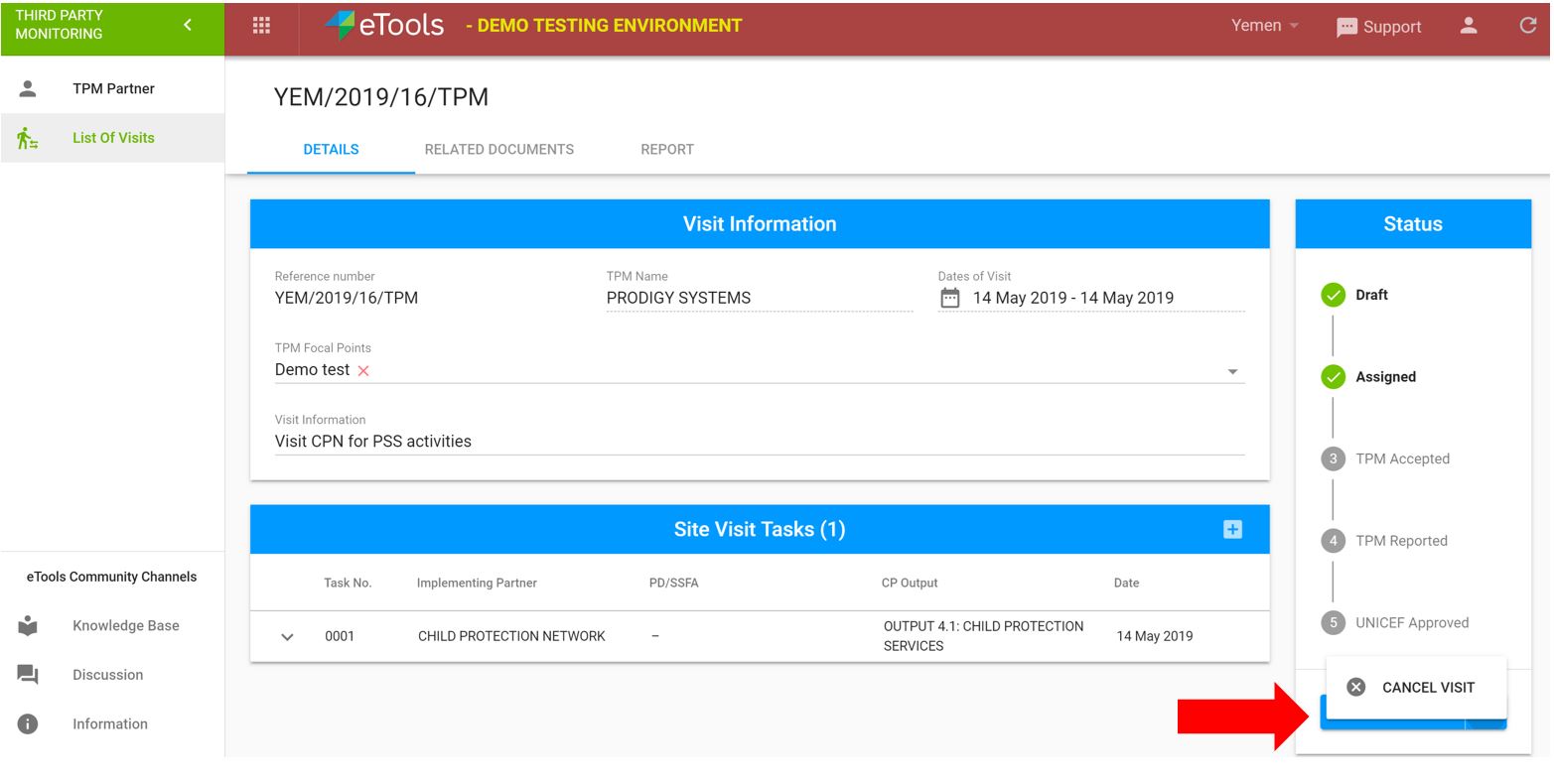
8. A pop-up message will appear asking you to confirm whether you want to cancel visit. Enter the the reason for cancellation in the cancel comment and click Continue.

9. In the case you already assigned your visit, go to status bar and just click on Cancel Visit button
