Purpose: Create a new agreement -- Programme Cooperation Agreement (PCA) and get the reference number
Who: Partnership Manager
When: To be able to manage new agreements - PCA
1. Log into eTools with your UNICEF email and password
2. Click on the Menu icon in the top left corner of the screen to open menu
3. Click on Partnership Management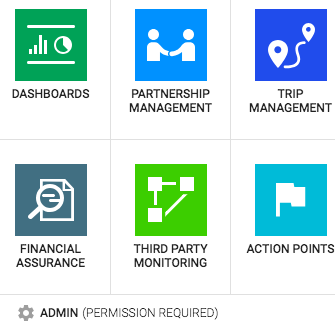
4. Click on Agreements
5. List of your agreements will appear
6. Click on Add New Agreement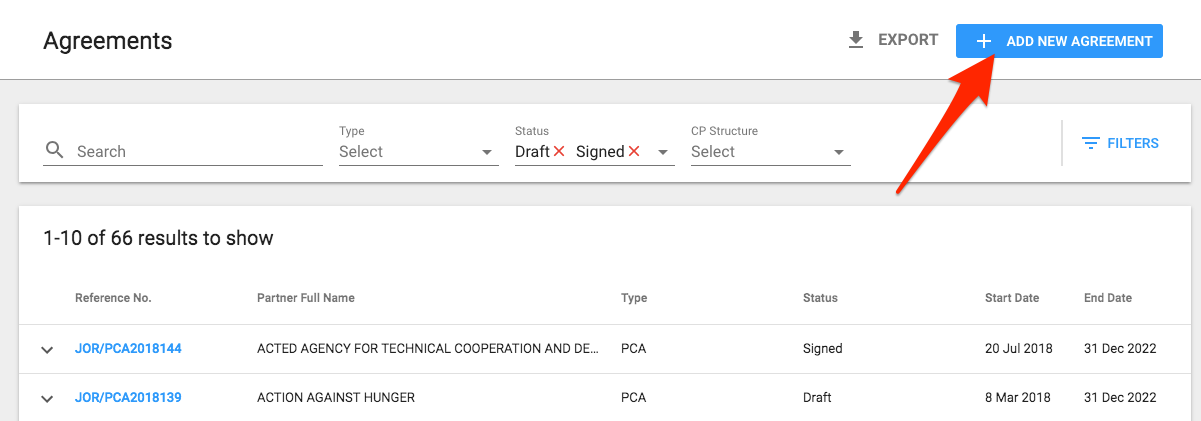
7. Agreement Details page will open. Go to Agreement Type field and Select Programme Cooperation Agreement from the drop-down list
8. Select the CP Structure, Reference Year and add Partner Name
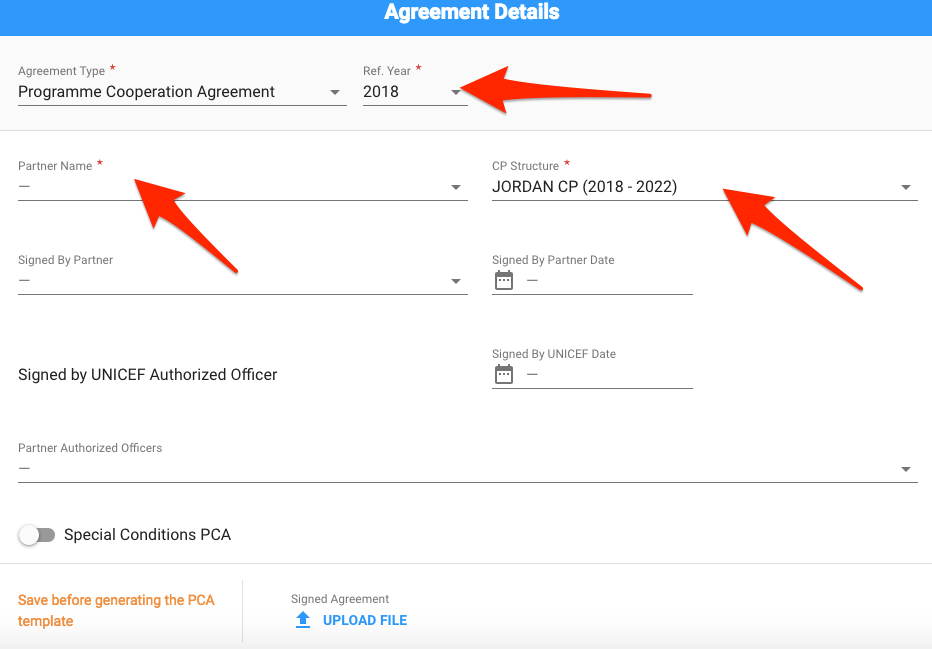
9. Click Save
10. The reference number of your PCA will be generated and the Duration field will be filled out
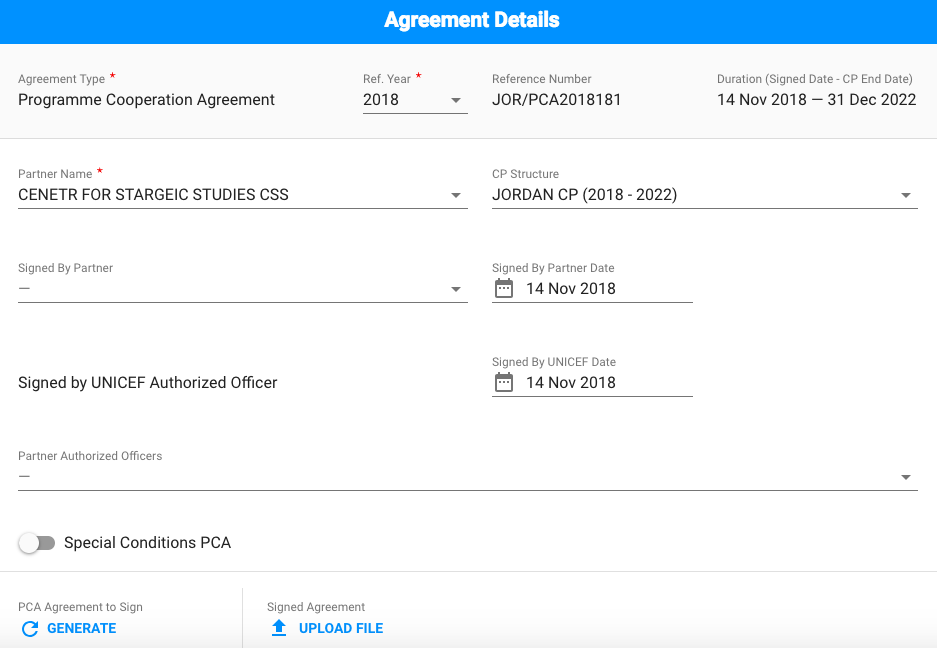
For more information on how to Generate a PCA, please go to Generate Programme Cooperation Agreement