Purpose: Delete your PCA in draft status
Who: Partnership Manager
When: You can delete your PCA only in draft status and there should be no PD associated with it
1. Log into eTools with your UNICEF email and password
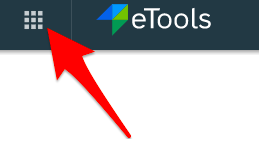
2. Click on the Menu icon in the top left corner of the screen to open menu
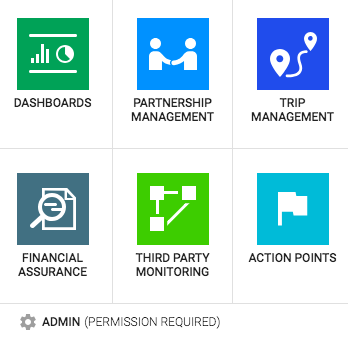
3. Click on Partnership Management
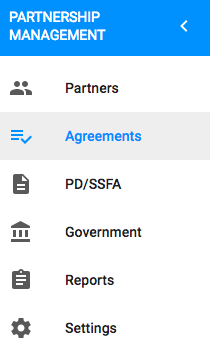
4. Click on Agreements
5. List of your agreements will appear
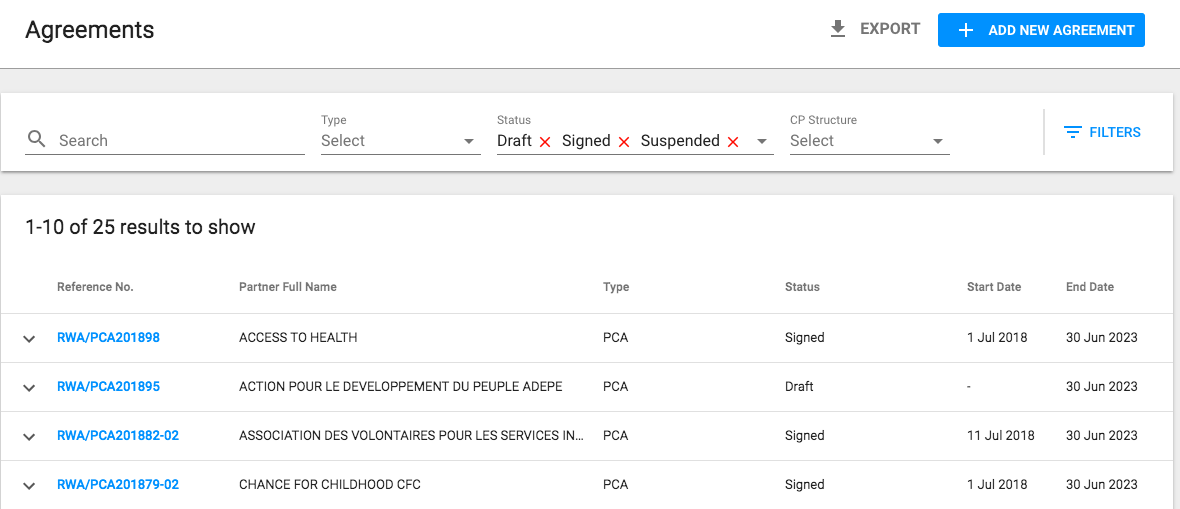
6. Click on Agreement you want to delete (in draft status only)
2. Click on the Menu icon in the top left corner of the screen to open menu
3. Click on Partnership Management
4. Click on Agreements
5. List of your agreements will appear
6. Click on Agreement you want to delete (in draft status only)

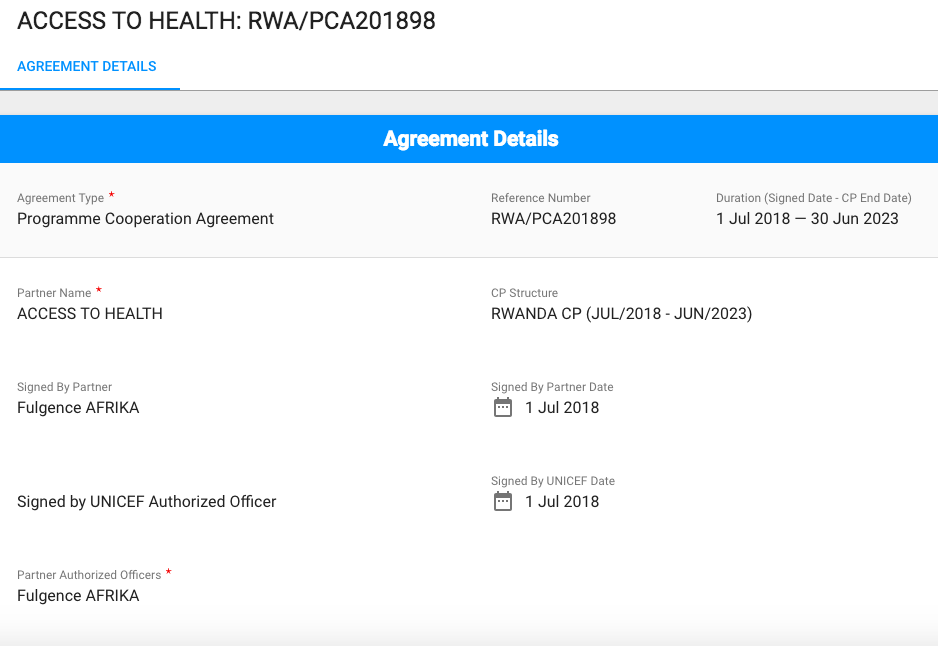
7. Agreement Details page opens
8. Go to Status bar and click on the arrow next to Save button
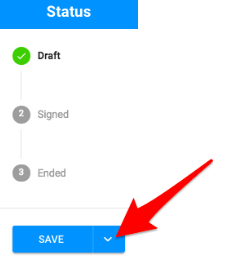
9. Click on Delete Button

10. A pop-up message will appear asking you to confirm whether you want to delete this PCA. Click on Yes and your PCA will be deleted