Purpose: Complete the report for the visit and submit to UNICEF for review
Who: TPM
When: The TPM must upload the report attachment prior to submission of the final report
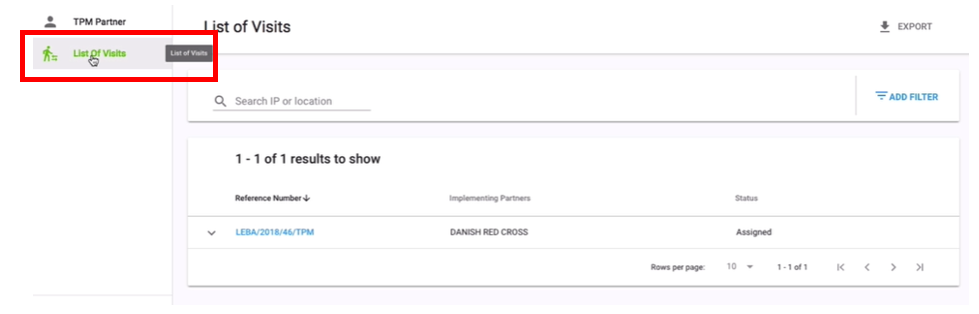
1. Click on List of Visits

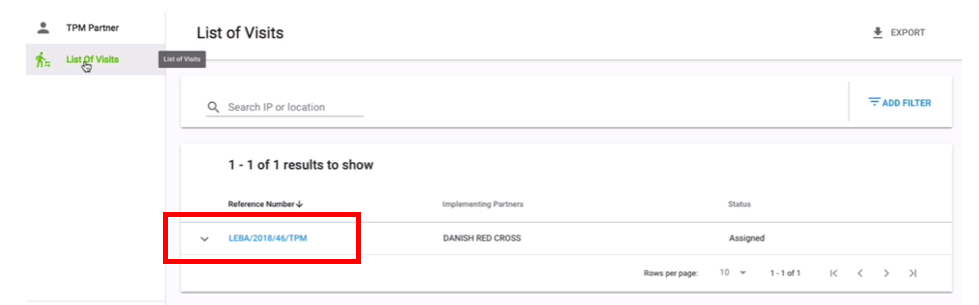
2. Click on Reference Number of the TPM visit you wish to report on

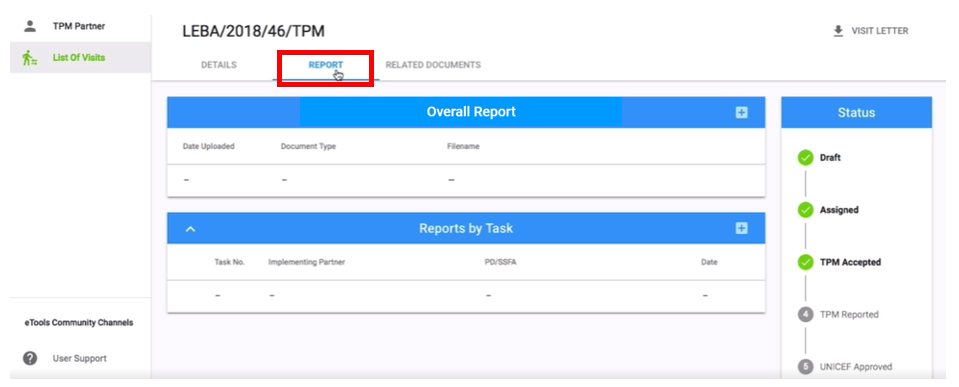
3. Click on Report tab
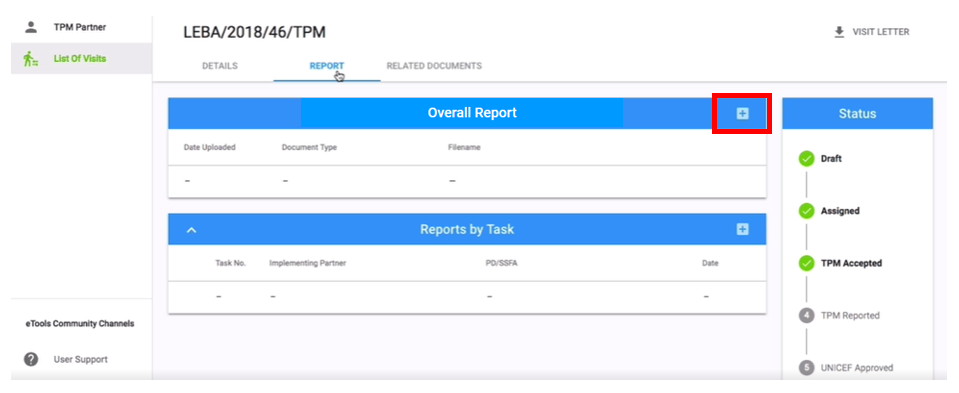
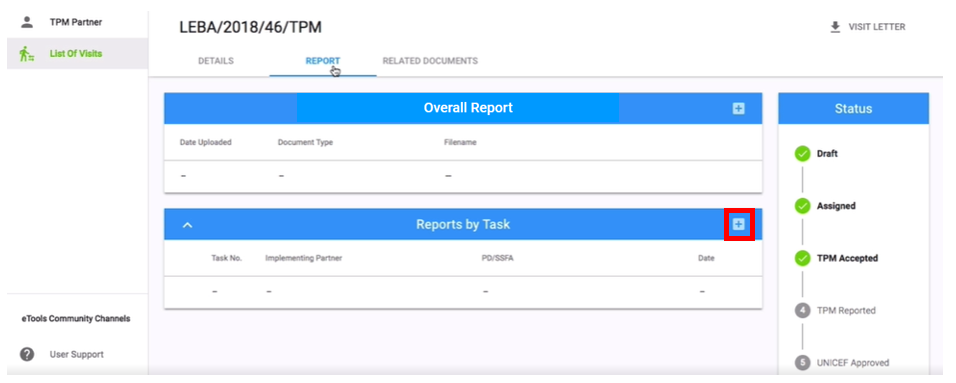
4. Go to Overall Visit Reports section and click on + sign
5. Go to Document Type and select from the drop-down between: Overall Report; Picture Dataset; Questionnaire; Other
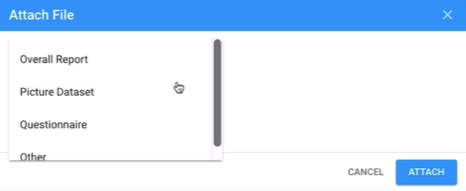
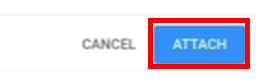
6. Upload your file and click on Attach
7. Instead of submitting overall report, you can add Reports by Task instead by clicking on the + sign . Select Visit Activity from the drop-down list and add a Document Type (either Report or Other). Attach your file and click on Add
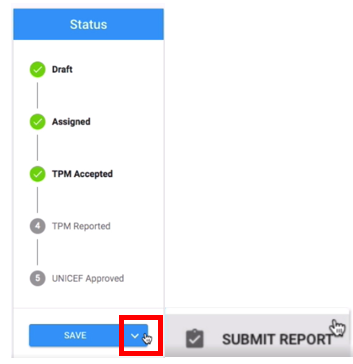
8. Go to Status bar and click on the arrow next to Save button and click on Submit Report
9. UNICEF Focal Point and PME will receive email notification