Purpose: To reject assigned TPM visit
Who: TPM
When: Once the PME has assigned a visit to TPM, the TPM will receive a notification via email of the assignment.
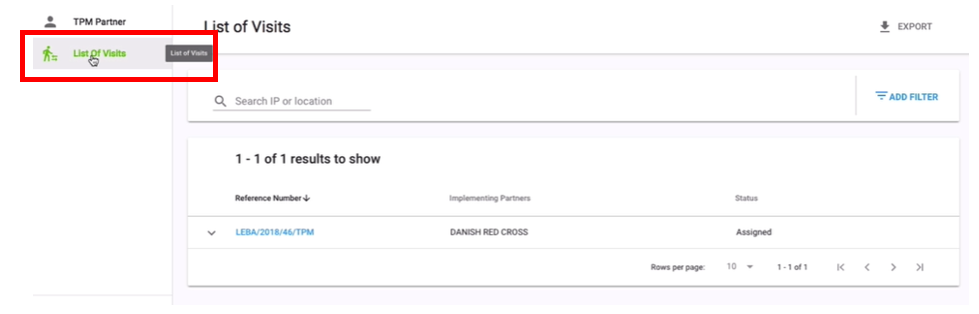
1. Click on List of Visits

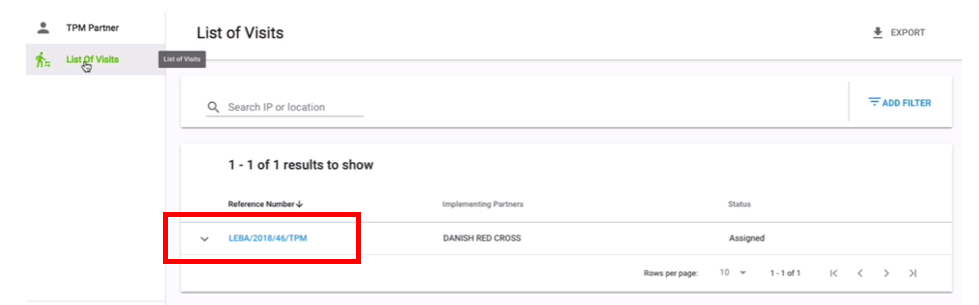
2. Click on Reference Number of the TPM visit you wish to accept

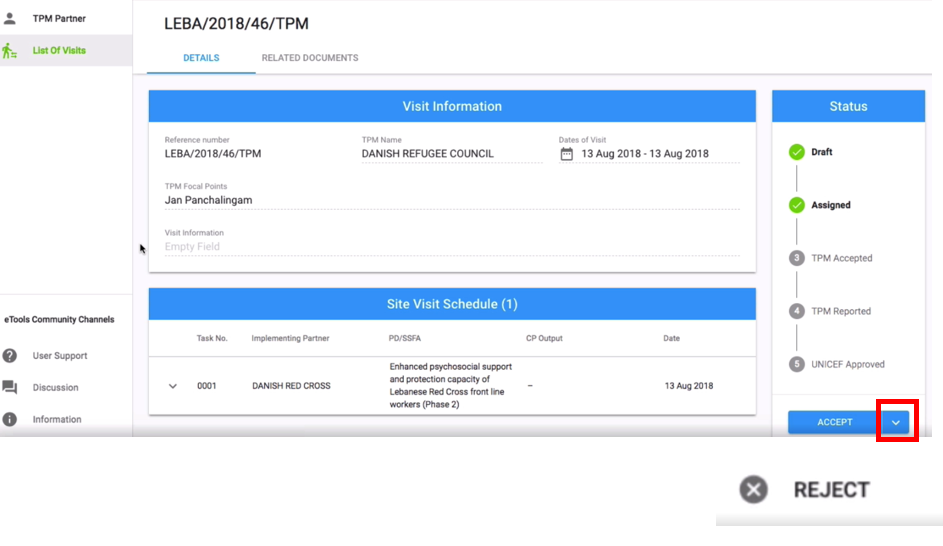
3. Go to Status tab and click on the arrow next to Accept button and click on Reject
4. Enter reason for rejection and click on Continue. Your TPM visit details page will be updated and the reasons for rejection will be at the top of the page. Your UNICEF Focal Point will receive a notification email informing them the visit has been rejected