Purpose: Generate official authorization of the TPM visit which will be conducted with the pertinent details of the visit
Who: TPM
When: Once TPM accepts the visit, the letter is generated
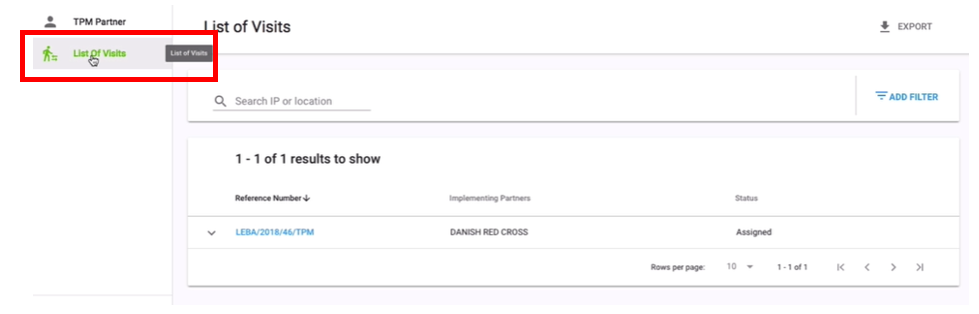
1. Click on List of Visits

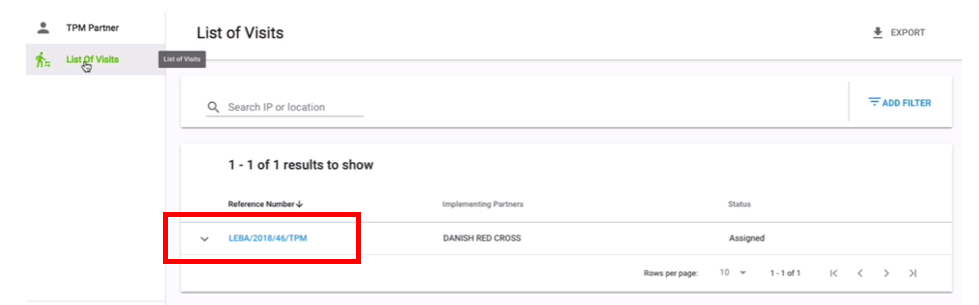
2. Click on Reference Number of the TPM visit you wish to accept

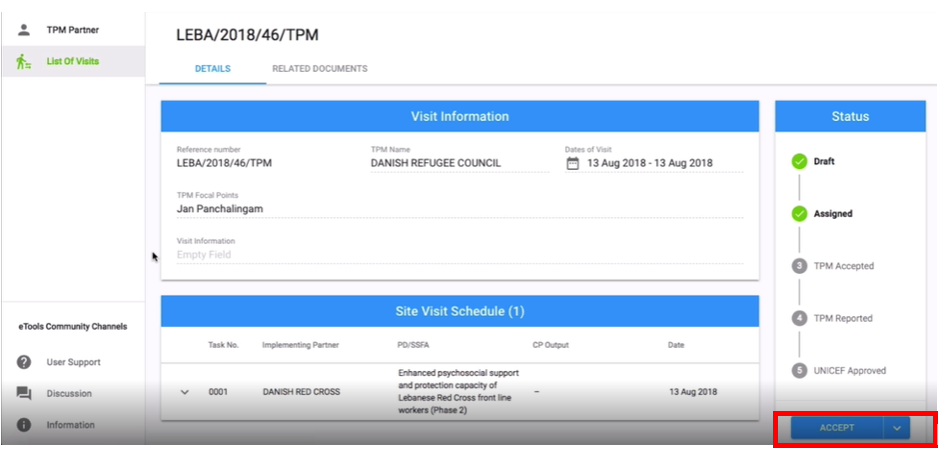
3. Go to Status tab and click on Accept

4. Your visit letter will be generated
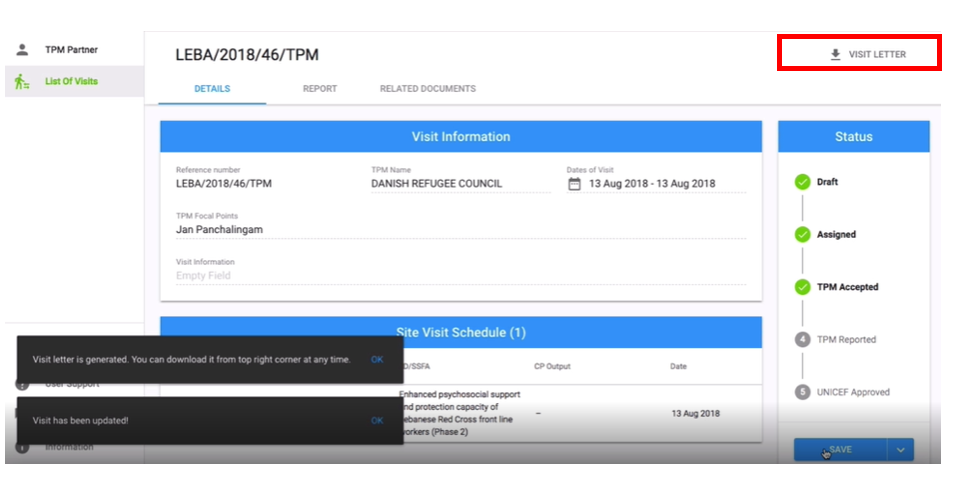
5. Go to Visit Letter and click to download your letter for your TPM
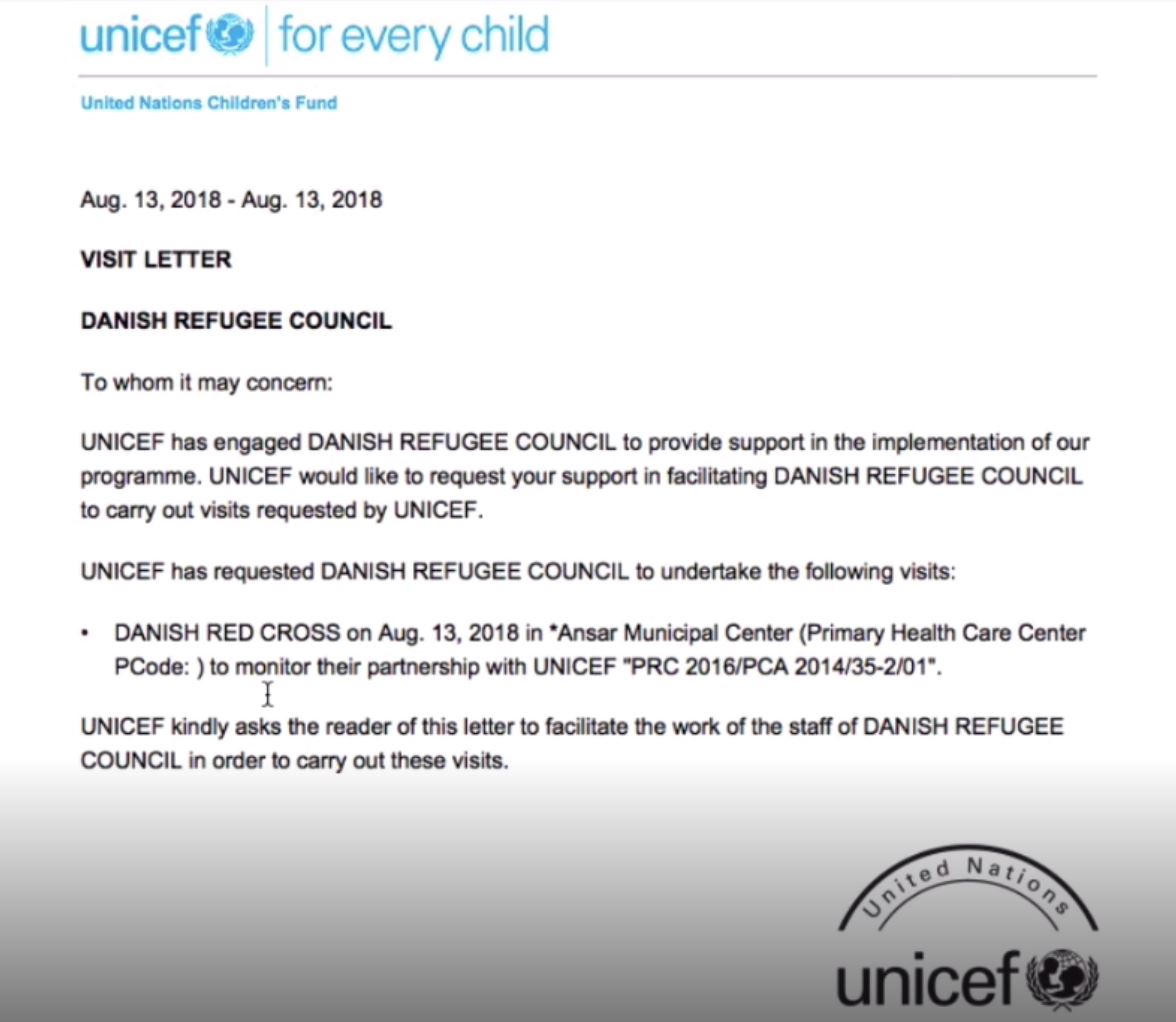
6. You letter will be downloaded as a PDF