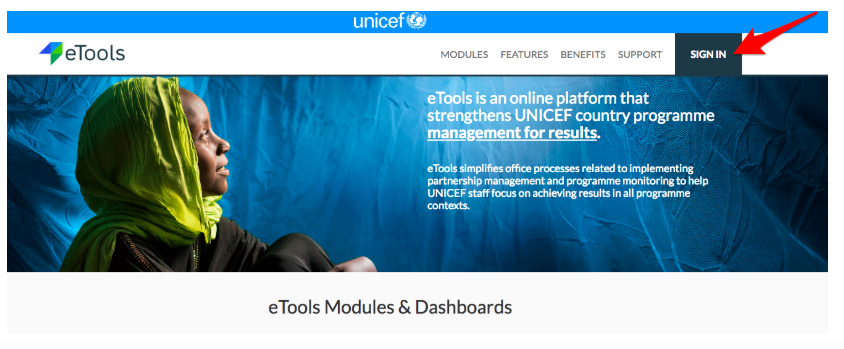
1. Go to etools.unicef.org
2. Click on Sign in button
3. If you are signing in for the first time, use your UNICEF email and password to log in
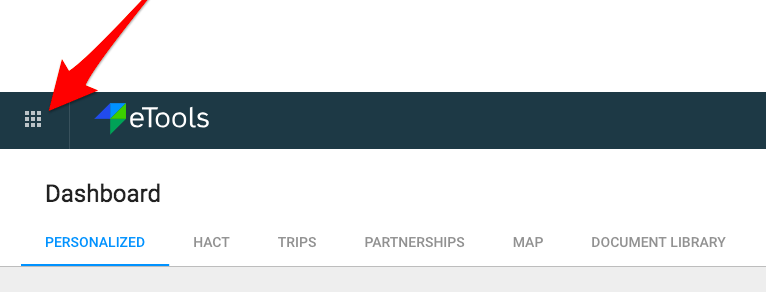
4. Your Personalized Dashboard will open

5. Click on App selector
6. Select Action Points

7. Action Points will open
