Purpose: Allowing UNICEF User to find a specific auditor or partner
Who: UNICEF User
When: UNICEF User is looking for a specific auditor or partner based on the name of that partner
1. Log into eTools using your UNICEF email and password


2. Click on the Menu icon in the top left corner of the screen

3. Select Financial Assurance Module
4. Financial Assurance Module page will open
5. Click on Search field and enter partner or auditor name
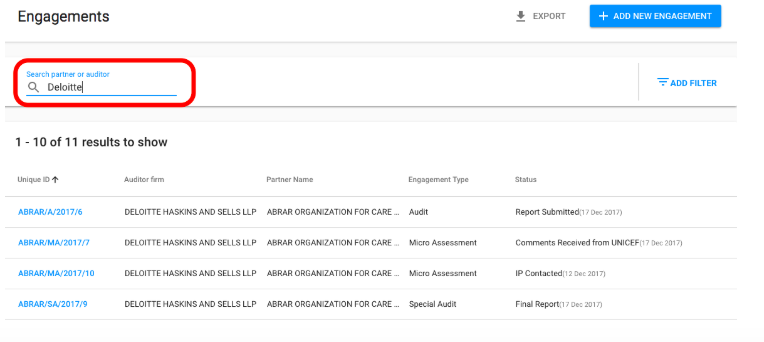
6. Searched partner or auditor will appear in the list of engagements