Purpose: Before the Auditor logs into Financial Assurance Module, UNICEF Focal Point has to add auditor's contact information into the engagement so that they can successfully log in
Who: UNICEF Focal Point
When: it is necessary to give Auditor access to Financial Assurance Module
1. Log into eTools using your UNICEF email and password


2. Click on the Menu icon in the top left corner of the screen to open menu

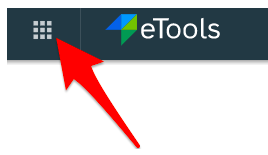
3. Select Financial Assurance Module
4. List of engagements will open
5. Click on Unique ID of the engagement to open engagement overview page
6. Scroll down to Audit Staff Team Members and click on the plus sign



7. Add New Audit Staff Team Member contact information and click Add

