Purpose: Review progress reports submitted by civil society implementing partners
Who: Partnership Manager User
When: Civil society implementing partners will submit progress reports via the Partner Reporting Portal for UNICEF focal points to review. UNICEF focal points will receive notifications when the progress reports have been submitted.
Types of Reports:
- Quarterly Progress Report: UNICEF requires partners to submit Quarterly Reports every three months from the start of the programme, in order to assess the progress towards planned results, and the adjustments required in programme implementation.
- These will need to be reviewed and either Accepted or Sent Back by the UNICEF focal point
- Humanitarian Report: UNICEF may request partners to submit Humanitarian Reports on a monthly basis, or more frequently, to report on the status of high frequency humanitarian indicators. Humanitarian Reports are simplified and do not require narrative reporting.
- Humanitarian Reports are automatically “Accepted” by UNICEF and do not require a formal acceptance or to be sent back for further revision
- Special Report: In some circumstances, to meet specific reporting requirements, UNICEF may request partners to submit Special Reports. These reports may be requested for various reasons, including donor requirements, capturing specific human interest stories, submission of specific studies or research, or any other unique circumstances. For Special Reports, there is no reporting on the progress of indicators, only the submission of narrative reports and relevant attachments.
- These will need to be reviewed and either Accepted or Sent Back by the UNICEF focal point
1. Log into eTools using your UNICEF email and password
2. Click on the Menu icon in the top left corner of the screen to open menu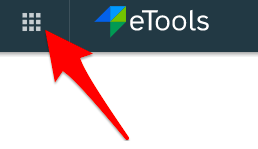
3. Click on Partnership Management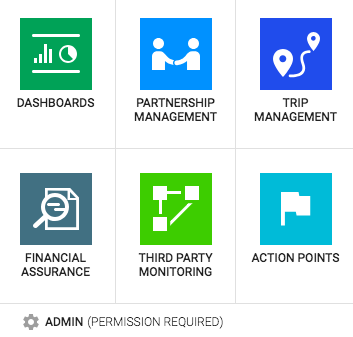
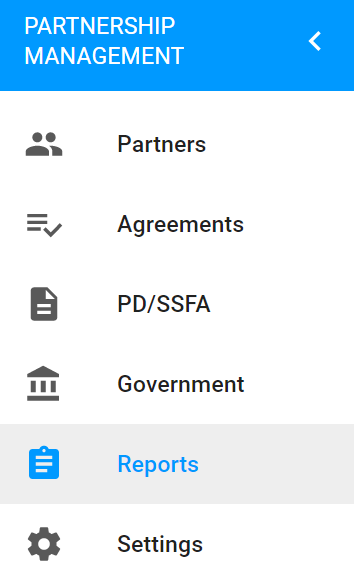
4. Click on Reports icon to open up the reports page
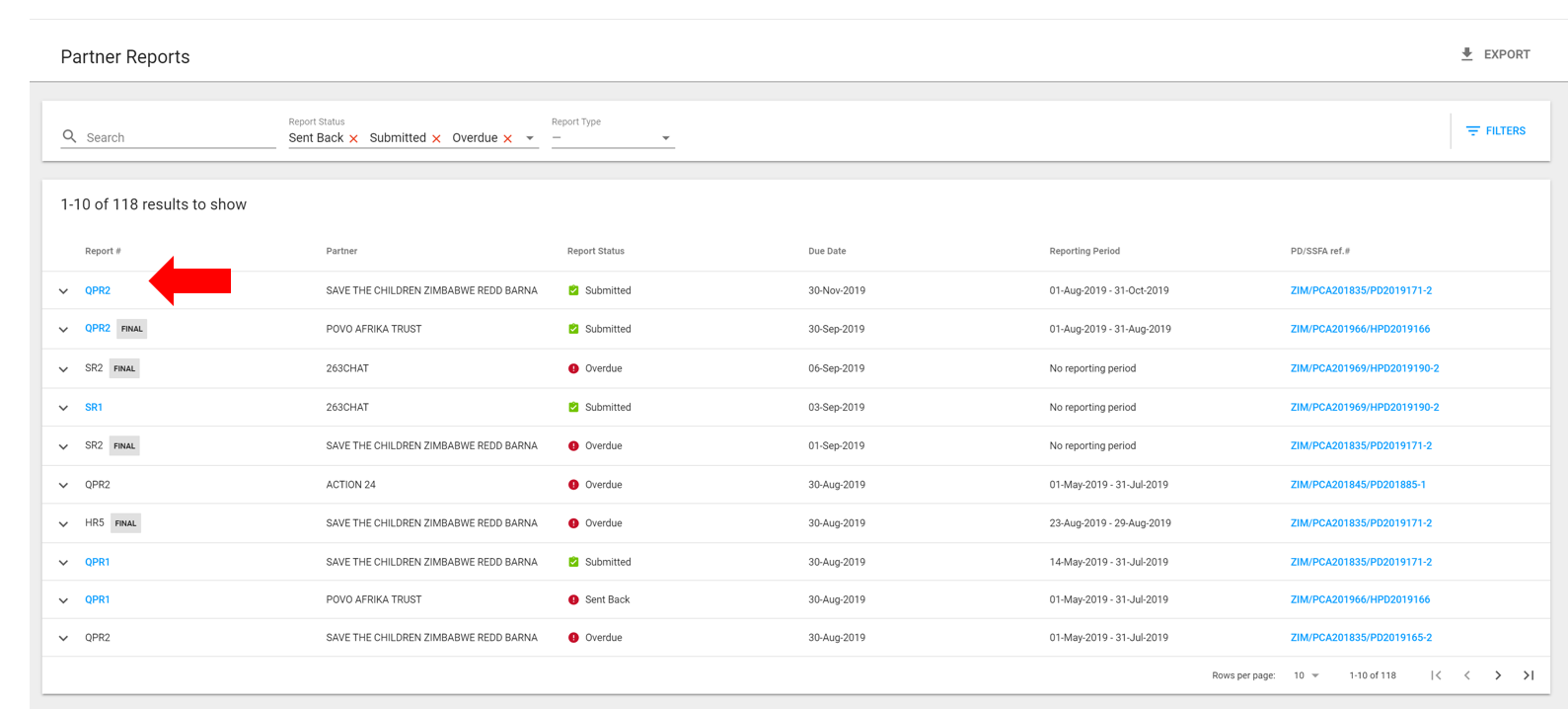
5. In the Reports page, you will see the report type and number, the implementing partner, status of the report, due dates and reporting periods, as well as a link to the relevant PD/SSFA. Use the filters to search for specific reports.
Click on the Report you would like to review.
6. Review the details of the report in the Results Reported tab and Other Info tab. If you would like to download the report or add an action point, click on the three vertical dots next to Accept/Send Back.
Note: Progress on indicators will be calculated as the figure reported against the overall target

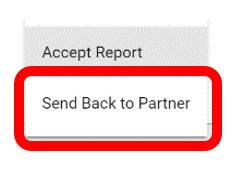
7. To Accept or Send back the report click on the Accept/Send back icon and select “Accept Report” or “Send Back to Partner”. Please note that Humanitarian Reports are not accepted or sent back, and are automatically in “received status”.

8a. To accept the report click on “Accept Report” . A dialogue box will open for you to rate the overall progress of the PD/SSFA. Select a rating and click on the Rate & Accept Report icon.
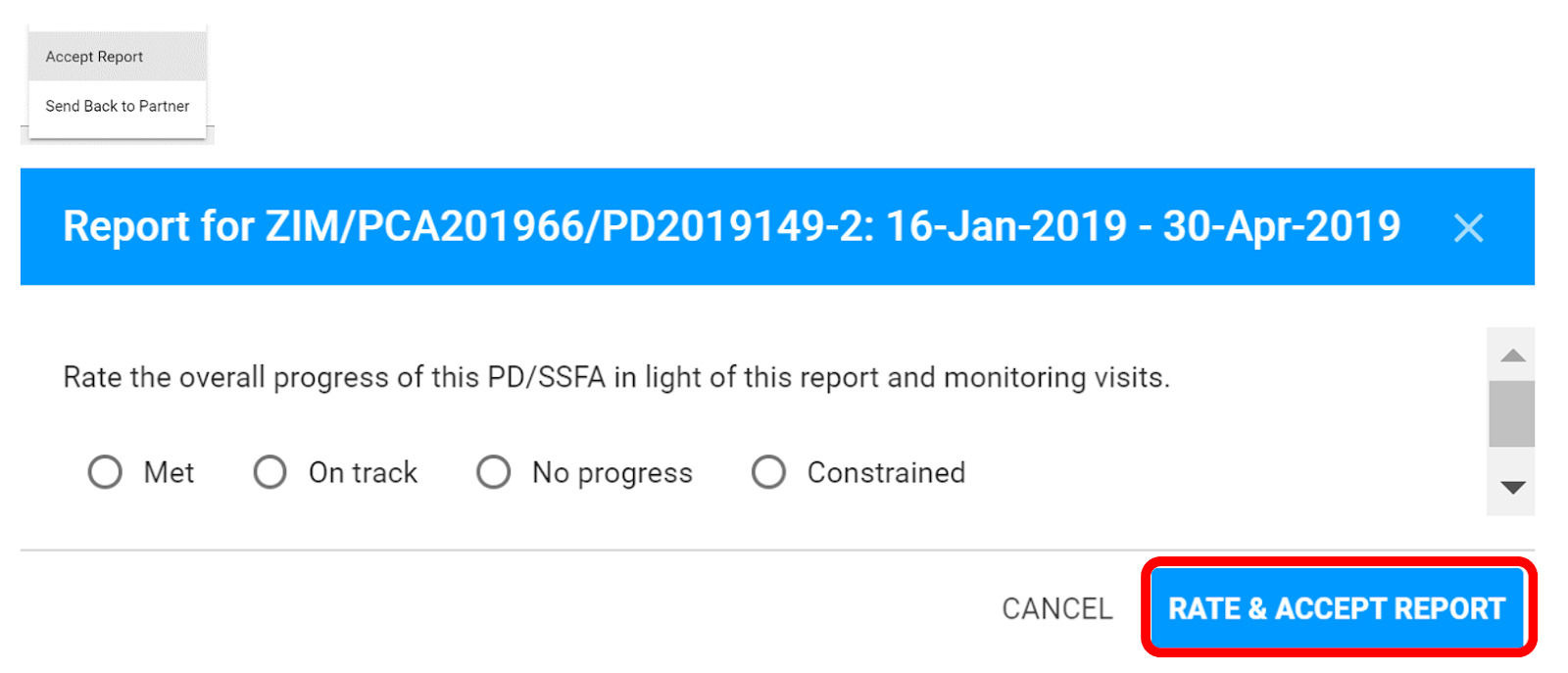
Once accepted and rated. The rating you have selected will be displayed at the top right status of the report.

8b. To send back a report click on “Send Back to Partner”.
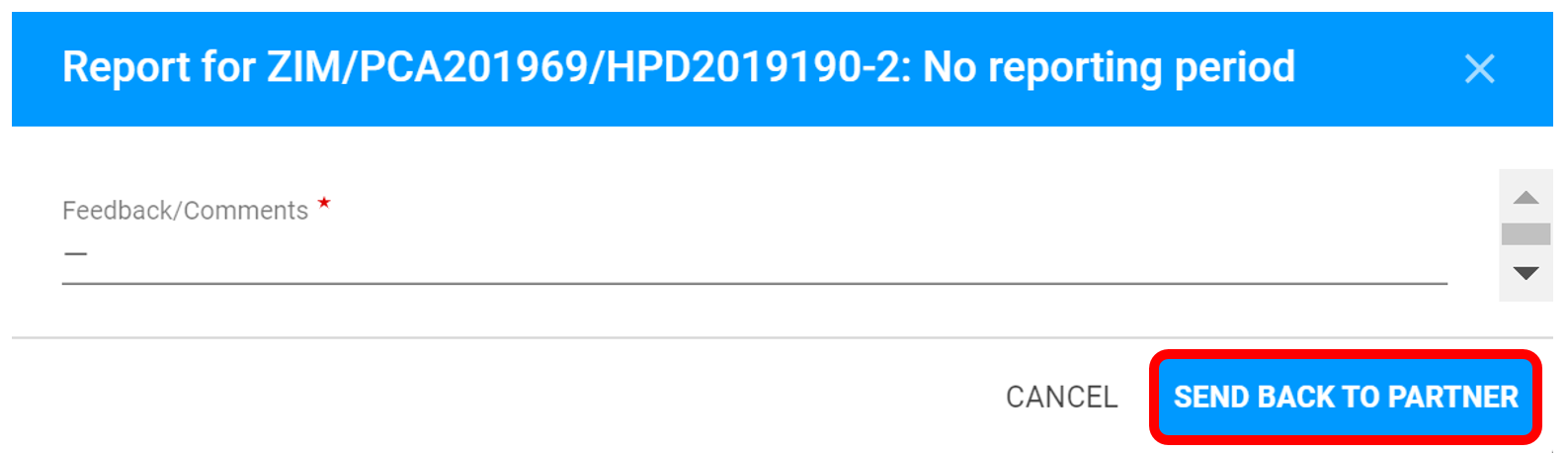
A dialogue box will open for you to send Feedback/Comments (you can copy paste your comments in this field).
Click on Send Back to Partner. The partner will receive an e-mail that the report has been sent back and will be able to view the feedback and edit the report and resubmit.
The status of the report will change to “Sent Back”
To review comments on the report that was sent back: Navigate to the Other Information tab in the report and under the Report Status you will be able to see the name of the staff member that sent back the report and you can click on the blue dialogue image to view the comments.
