Purpose: Review Indicator Progress in PDs/SSFAs
Who: Partnership Manager User, Viewer
When: Civil society implementing partners will submit progress reports via the Partner Reporting Portal for UNICEF focal points to review. Once Quarterly Progress Reports (QPRs) are reviewed and accepted, the progress of these indicators will be visible in the PD/SFFA progress tab.
Partnership managers should be reviewing the progress of the PD/SSFA to assess the partners’ progress towards the achievement of results against the funds allocated and time remaining. This will enable Partnership managers to better assess what technical, resource or programme interventions are needed to ensure the achievement of results in the PD/SSFA.
This feature is only available for those COs that have integrated the Partner Reporting Portal with their Reporting.
1. Log into eTools using your UNICEF email and password
2. Click on the Menu icon in the top left corner of the screen to open menu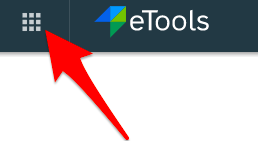
3. Click on Partnership Management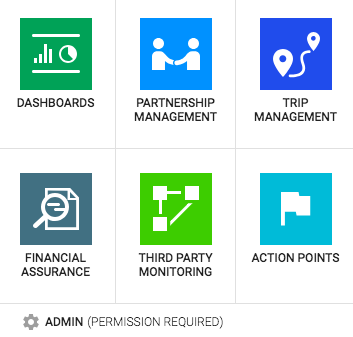
4. Click on PD/SSFA icon to open up the PD/SSFA page
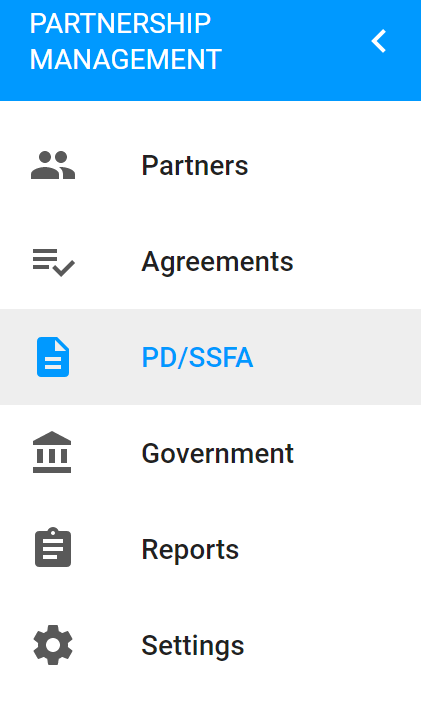
5. In the PD/SSFA page, you will see the list of PDs/SSFAs and their details. Access the PD/SSFA you would like to access by clicking on the respective reference number.
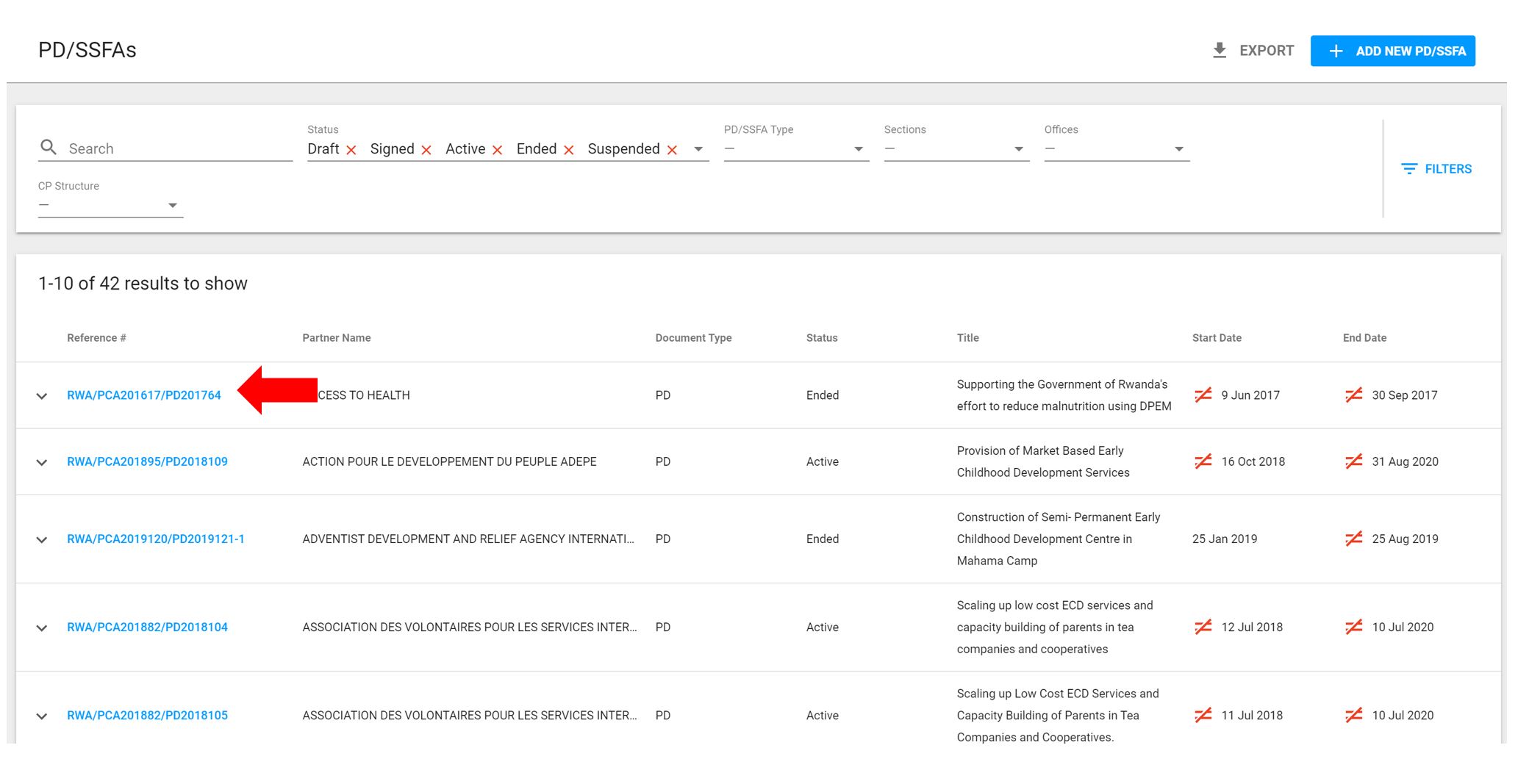
6. Navigate to the Progress tab

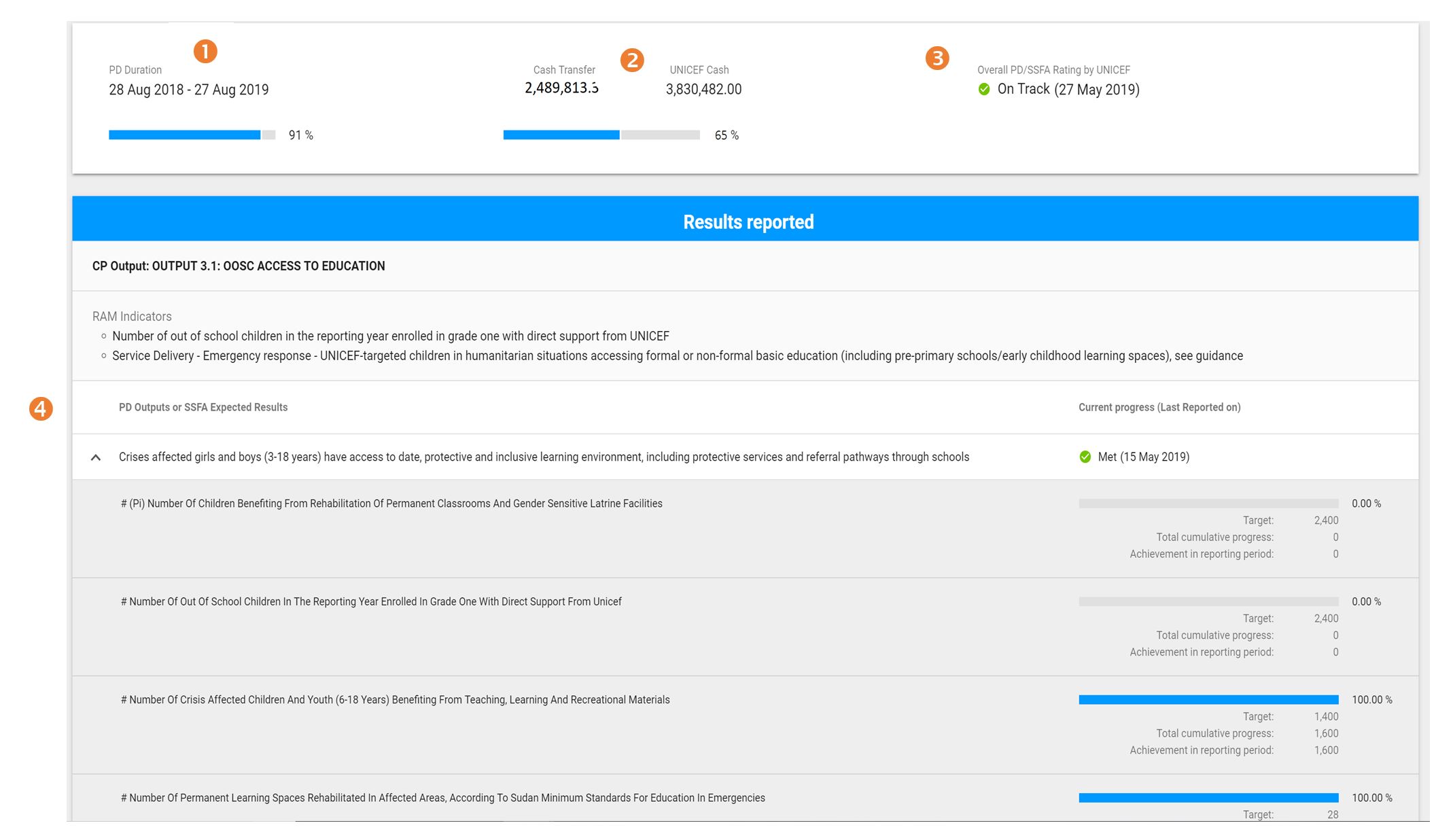
7. In the progress tab, you will be able to view the Duration of the PD (1) , Cash Transferred to Date (2) and the PD/SSFA progress rating (based off the most recent progress report) (3). In the Results Reported section, click on the drop down arrow to see the progress of indicators under each of the PD Outputs or SSFA Expected Results (4).
Note: Progress on indicators will be calculated as the figure reported against the overall target.