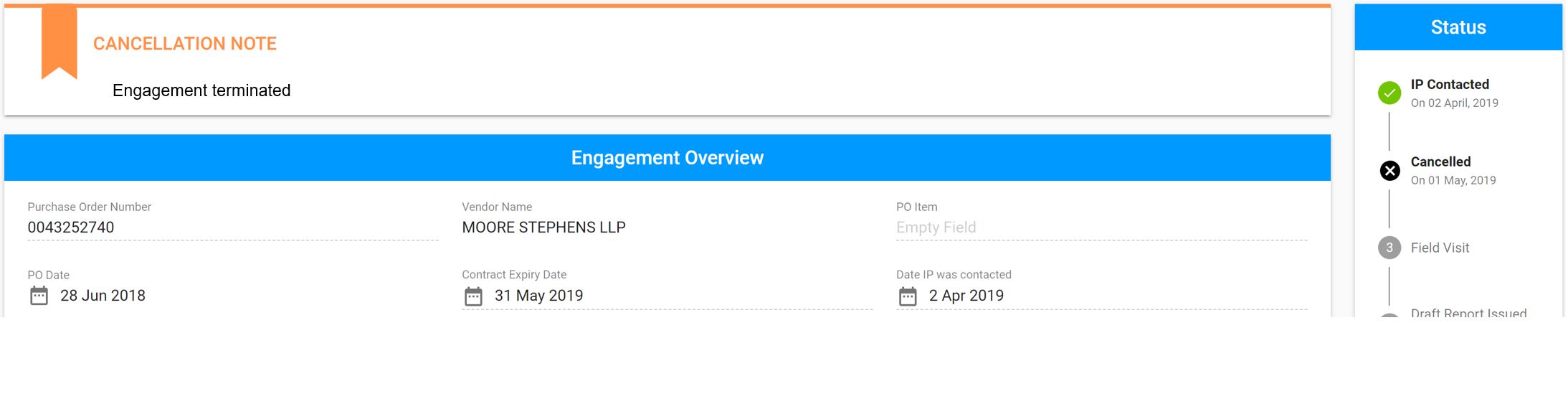
Purpose: If the incorrect engagement is selected, the auditor will not be able to enter the information correctly and the engagement will need to be cancelled by UNICEF Focal Point. Once cancelled, the UNICEF Focal Point is required to re-create an engagement
Who: UNICEF Focal Point
When: the engagement is incorrect
1. Log into eTools using your UNICEF email and password


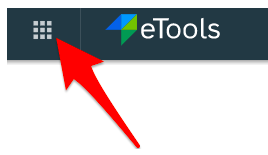
2. Click on the Menu icon in the top left corner of the screen to open menu

3. Select Financial Assurance Module
4. List of engagements will open
5. Click on Unique ID of the engagement you want to cancel
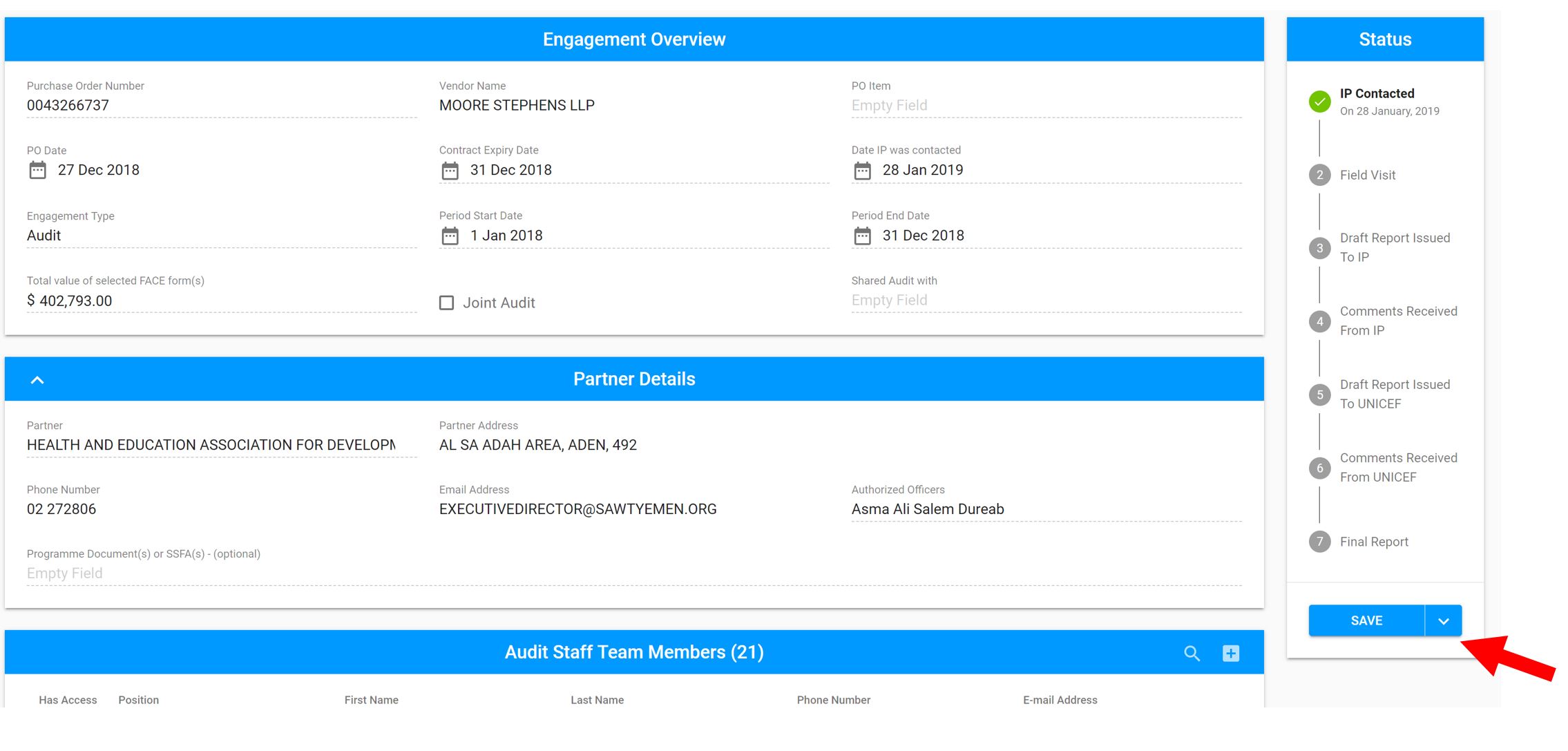
6. Go to Status bar on the right side of your screen and click on the little arrow next to Save button
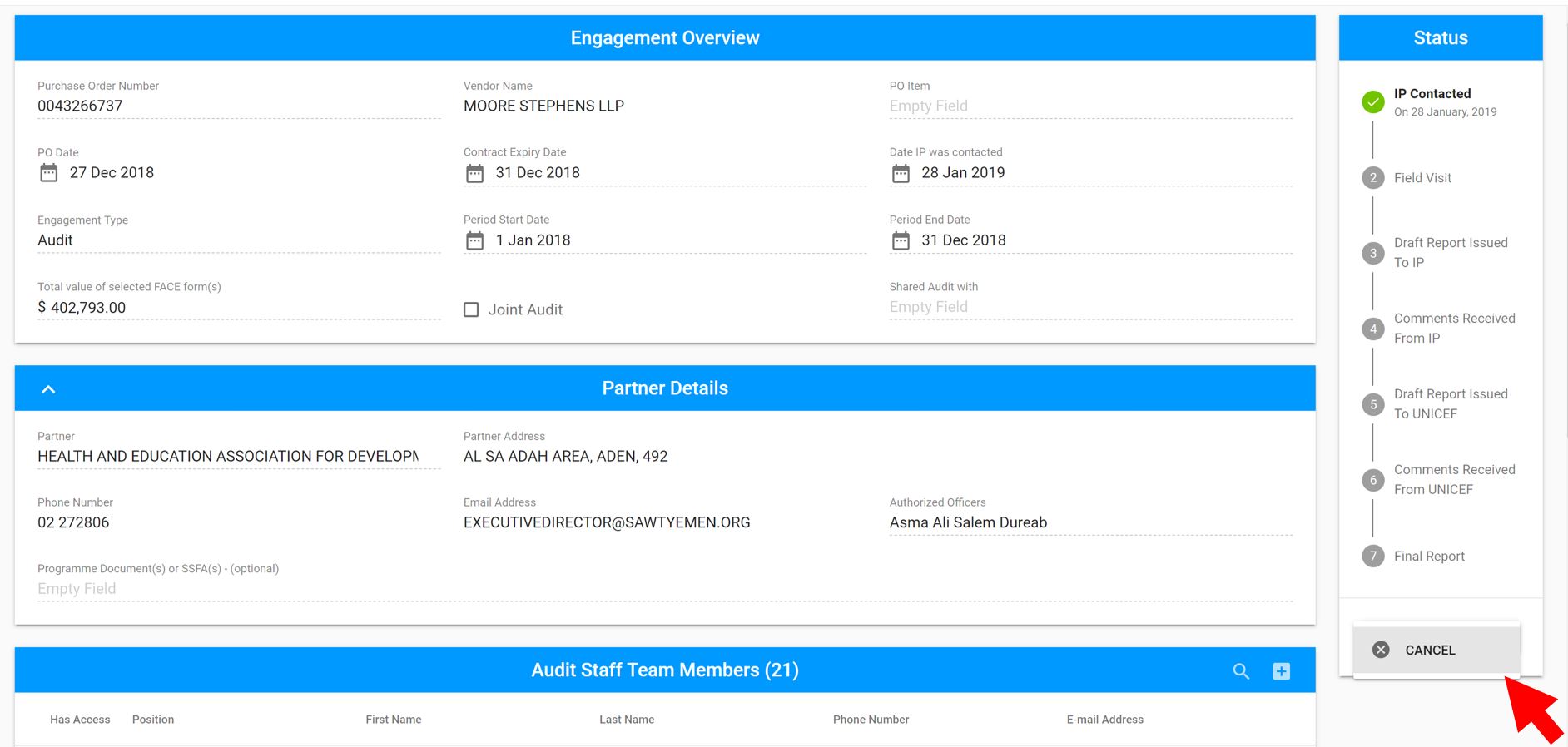
7. Select Cancel button
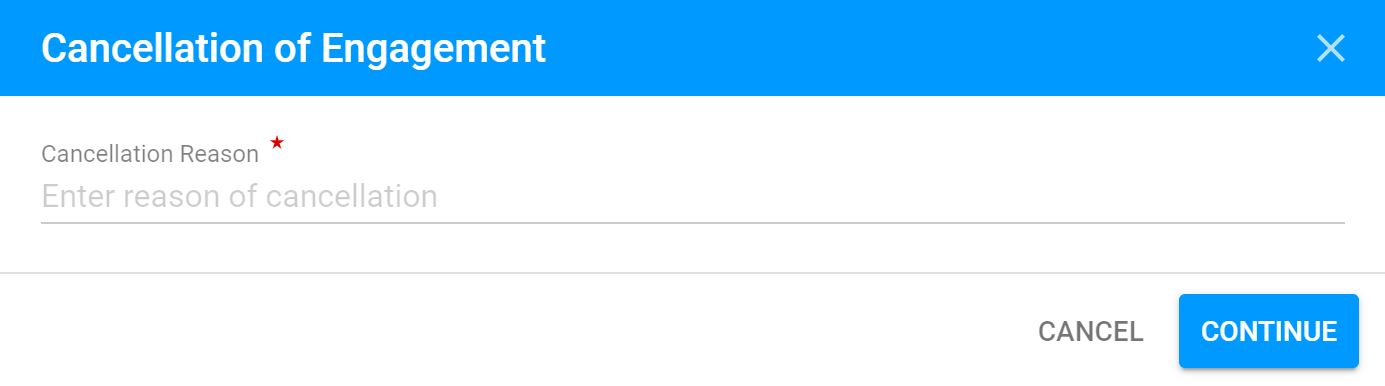
8. Enter the reason for cancellation and click Continue
9. Your engagement will be cancelled and the cancellation note will appear at the top of your engagement overview