1. Log into eTools with your UNICEF email and password
2. Your Personalized Dashboard will open
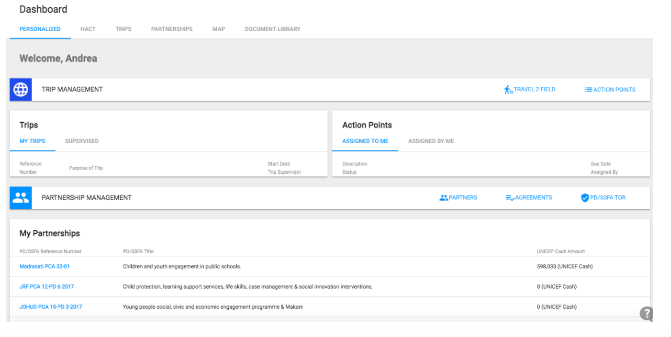
3. Alternatively, you can also click on the menu box in the top left corner of your screen

4. Select Dashboards
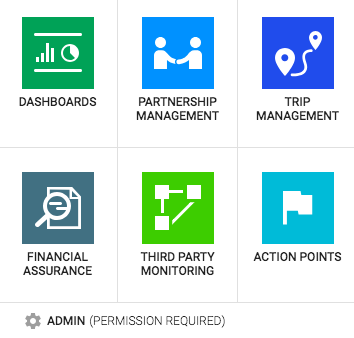
5. Your Personalized Dashboard page will open
6. To navigate to your Partnerships (CSO) Dashboard, go to the top of your Personalized Dashboard and click on the Partnerships tab
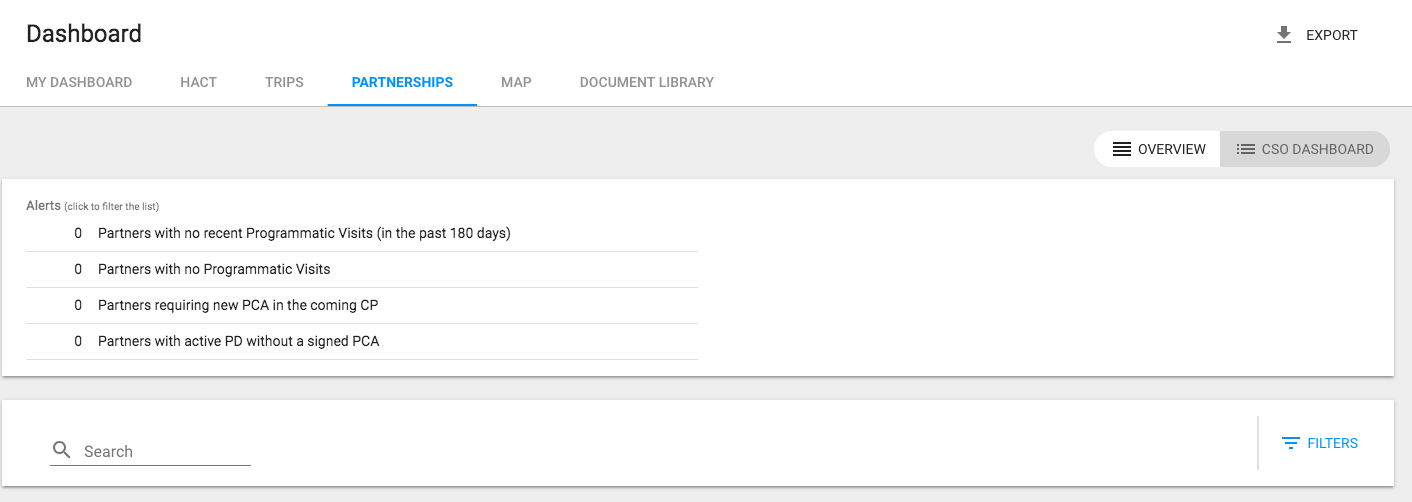
7. Click on Export button
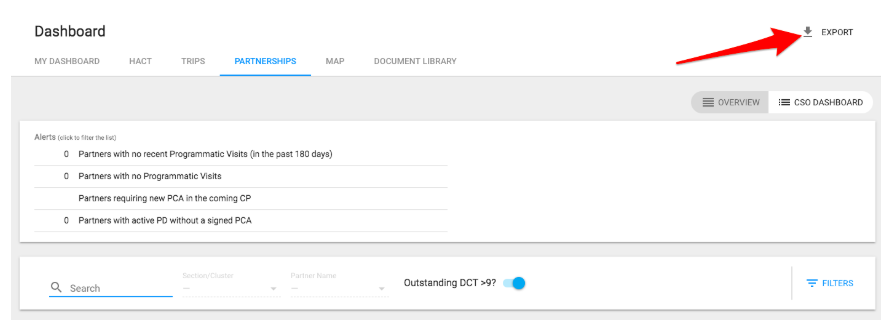
8. Your CSO Dashboard will be exported into an Excel sheet
IMPORTANT: If you wish to export filtered data from your CSO Dashboard, filter it first and then click on export and only filtered data will be exported.