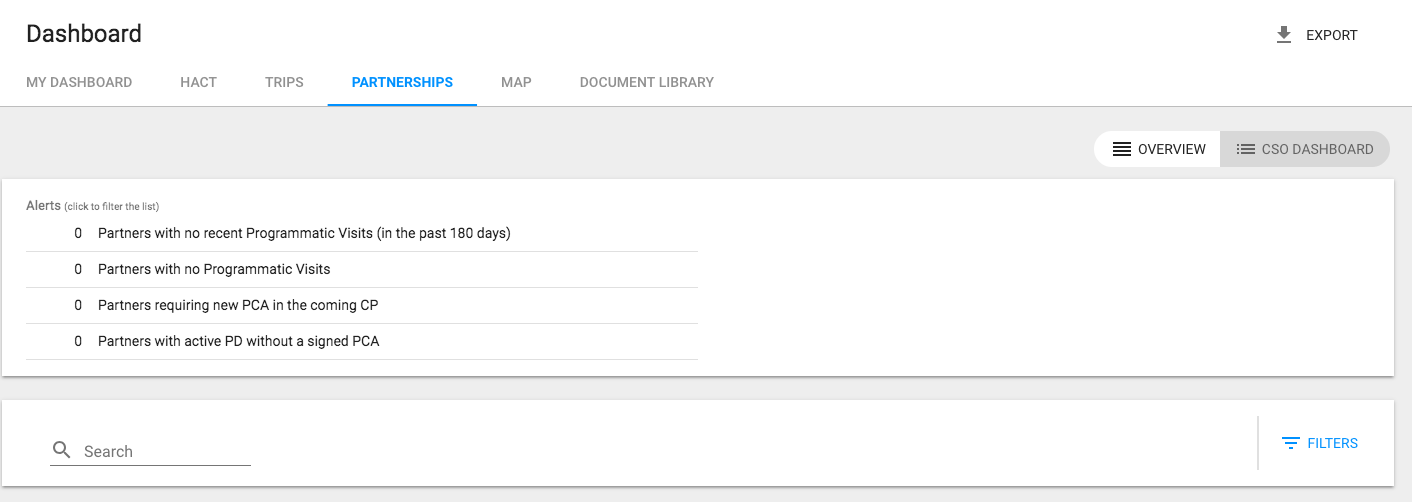
Navigate to Partnerships (CSO) Dashboard September 02, 2021 15:21 Updated 1. Log into eTools with your UNICEF email and password 2. Your personalized Dashboard will open 3. Click on Partnerships 4. Your Partnerships (CSO) Dashboard will open Related articles Filter Your Partnerships (CSO) Dashboard Search Partnership (CSO) Dashboard Export Your Partnerships (CSO) Dashboard UNICEF Sign in to eTools and access FM Report Finalization and Submission