Purpose: The Auditor needs to log into eTools Financial Assurance Module in order to view engagement overview and partner information entered by the UNICEF Focal Point
Step 1: UNICEF Focal Point gives the Auditor permission to enter eTools Financial Assurance Module. Auditor received the email invitation with a link. Click on the e-mail link.
IMPORTANT: If the link does not work, make sure you are using Chrome as your web browser.
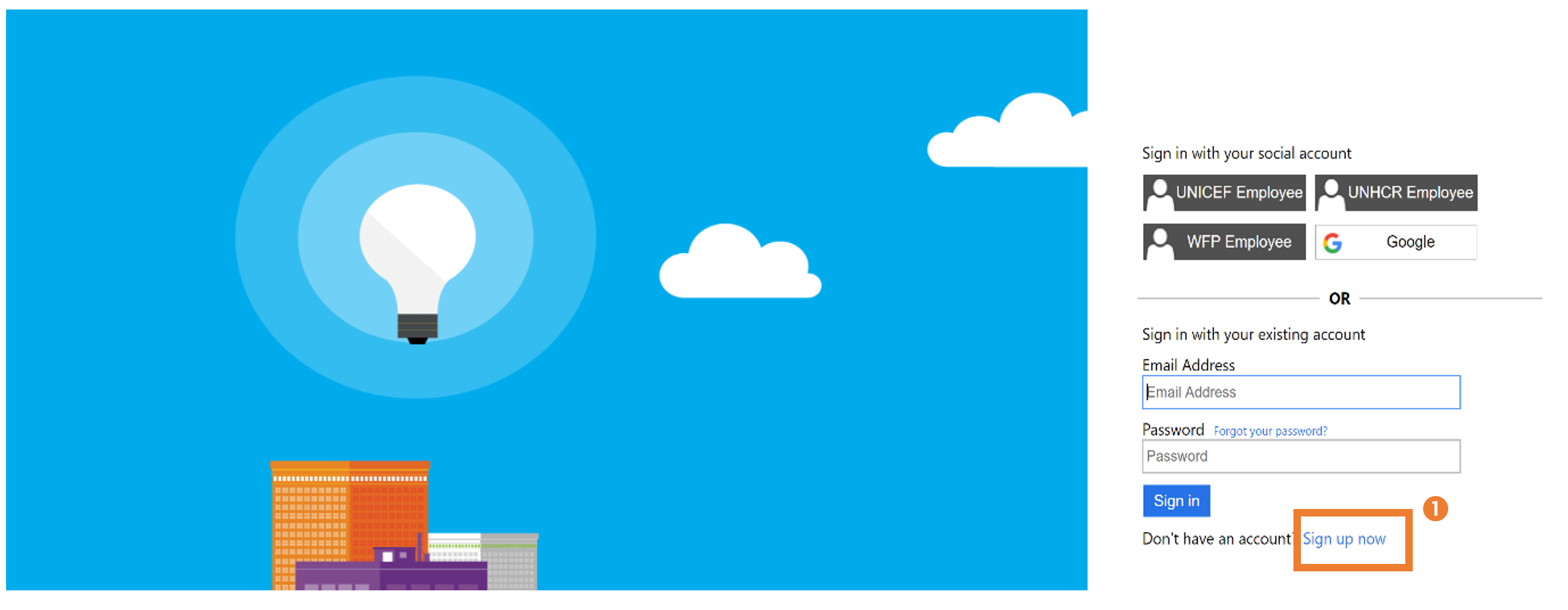
Step 2: You will be redirected to the page in the screenshot below.
IMPORTANT: All New and Existing Users will need to complete the following steps
2a) Click on the “Sign Up Now” (1) icon (once you complete the sign-up process, you can use the standard login process on this page by entering your e-mail and password.
STEP 2b)
- Enter your e-mail address (1)
- Click send verification code to confirm your valid login e-mail (2)
- Retrieve verification code from your e-mail address
- Enter verification code and click verify (3)
- Enter your password and identifying information (4)
- Click create (5)