1. Log into eTools with your UNICEF email and password
2. Click on the Menu icon in the top left corner of the screen to open menu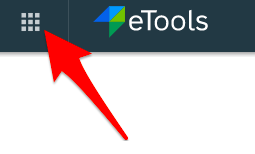
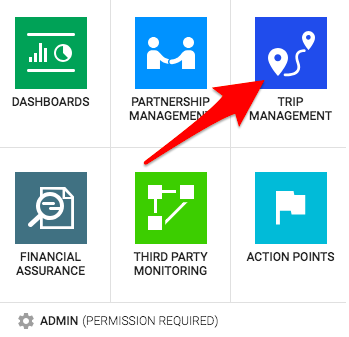
3. Select Trip Management
4. Your List of Trips will open
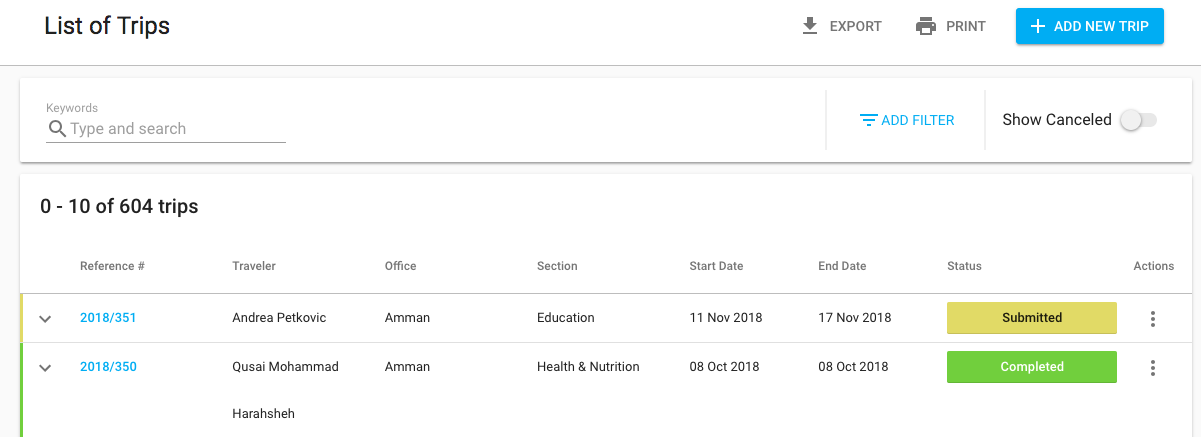
5. Click on the Reference Number (#) to open the trip plan you wish to print
7. Click on Print button 
8. A (pdf) printable version in will open and you can then follow the usual steps for printing documents